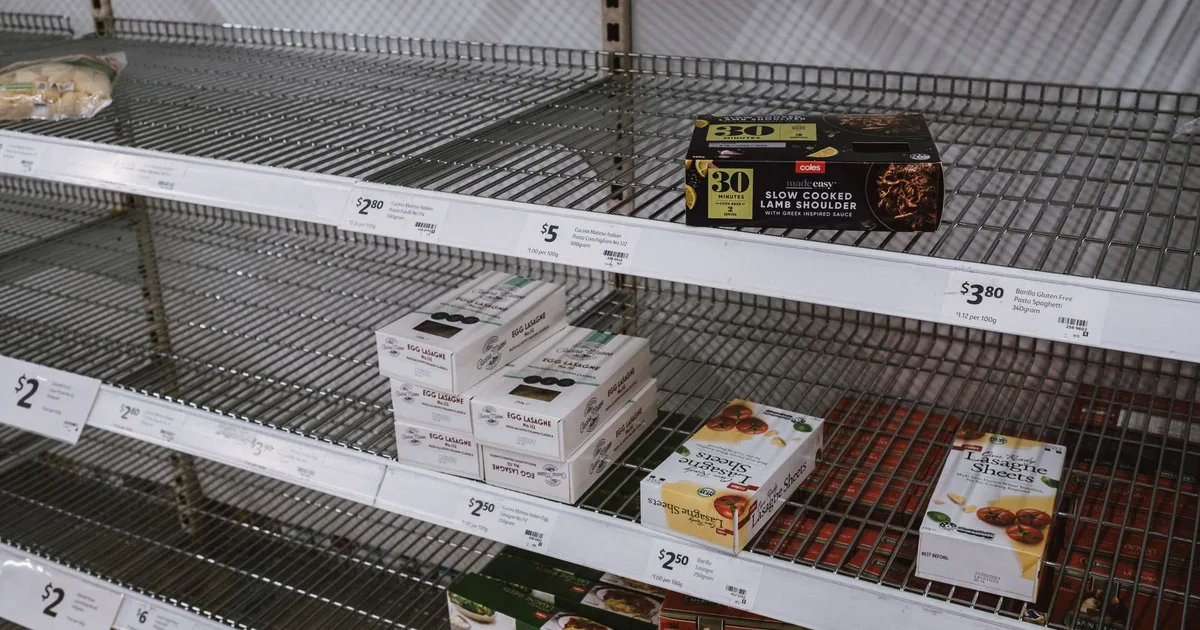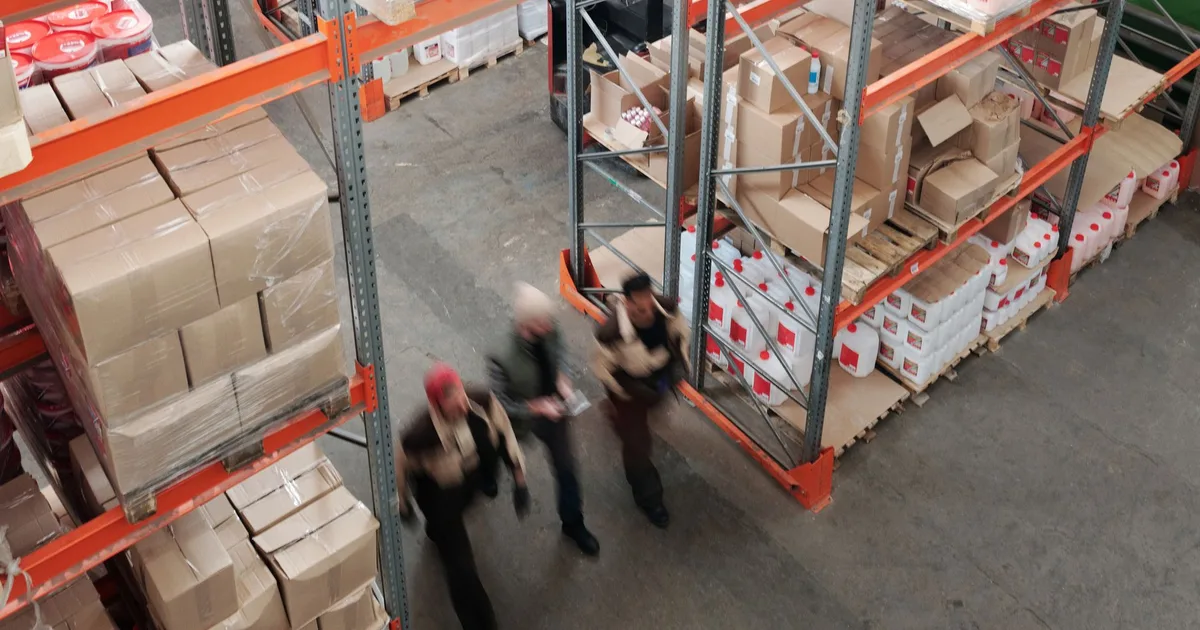
Missing shelf labels after reset usually happen because labels were printed before the final planogram version, new items were not set up in the pricing system in time, old labels were removed but new ones never arrived, or the reset crew stocked products without placing labels first. The quick recovery is a store-generated label list from the current planogram; the lasting fix is printing labels from the final version and placing them before stocking.
Unlabelled products sell slower, cause price queries at checkout and leave staff guessing where items belong next time.
Why labels go missing
- Printed from the wrong version. Labels were produced from a draft; the final plan added or moved items.
- New items not priced. The product exists on the plan but not yet in the pricing system.
- Old labels stripped, new ones lost. Packs separated or never reached the fixture.
- Stocked first, labelled later. Labels were meant to be placed afterwards and never were.
- Labels fell off. Strips or adhesives failed; see shelf labels falling off.
Recovering from missing shelf labels after reset in a day
- Walk the reset fixtures with the current planogram.
- List every position without a label.
- Print labels from the store system for those products; flag any not found (pricing problem).
- Place labels under the correct positions, left to right.
- Report missing price records to the pricing team.
- Check that new labels scan; see labels covering barcodes on shelf.
Prevent it next reset
- Print labels only from the approved final version, with the version number on the batch.
- Include labels in planogram order in each fixture pack.
- Place labels before stocking: labels are the map for the crew.
- Check pricing setup for new items a week before the reset.
Our planogram reset guide shows where labelling fits in the reset sequence.
Labels are part of the plan
Missing shelf labels after reset are a sequencing problem: print from the final version, place labels before stock and check pricing setup for new items early. Do that and labels become the reset crew's map rather than an afterthought. Wikipedia's electronic shelf label article describes the digital alternative some retailers use, and Wikipedia's planogram entry shows where labels sit in a plan.
FAQ
Why are shelf labels missing after a planogram reset?
Usually because labels were printed from an outdated plan, new items were not priced in time, or labels were meant to be added after stocking and were forgotten.
Should labels be placed before or after stocking?
Before. Labels in planogram order guide where each product goes.
What should staff do if a product has no label?
Print one from the store system if possible and report any product without a price record.
Do electronic shelf labels prevent this problem?
They remove printing, but labels still need to be linked to the right position and product.