A planogram reset is the physical change of a fixture from its old layout to a new approved planogram: removing delisted items, moving shelves, replacing labels and stocking products in their new positions and facings. A good reset is planned weeks earlier, executed in a fixed order, and checked within two days.
Most reset problems are visible on the night itself, but they are created earlier: a plan that does not fit the store, products that never arrived, labels printed for the wrong version. This guide follows the reset from planning to the four-week review, with fixes for the problems that come up most.
A planogram reset in plain terms
Retailers and suppliers use several overlapping terms:
- Planogram reset (or shelf reset): one fixture or category moves to a new planogram.
- Category or modular reset: a whole category across many stores changes on a schedule, often once or twice a year.
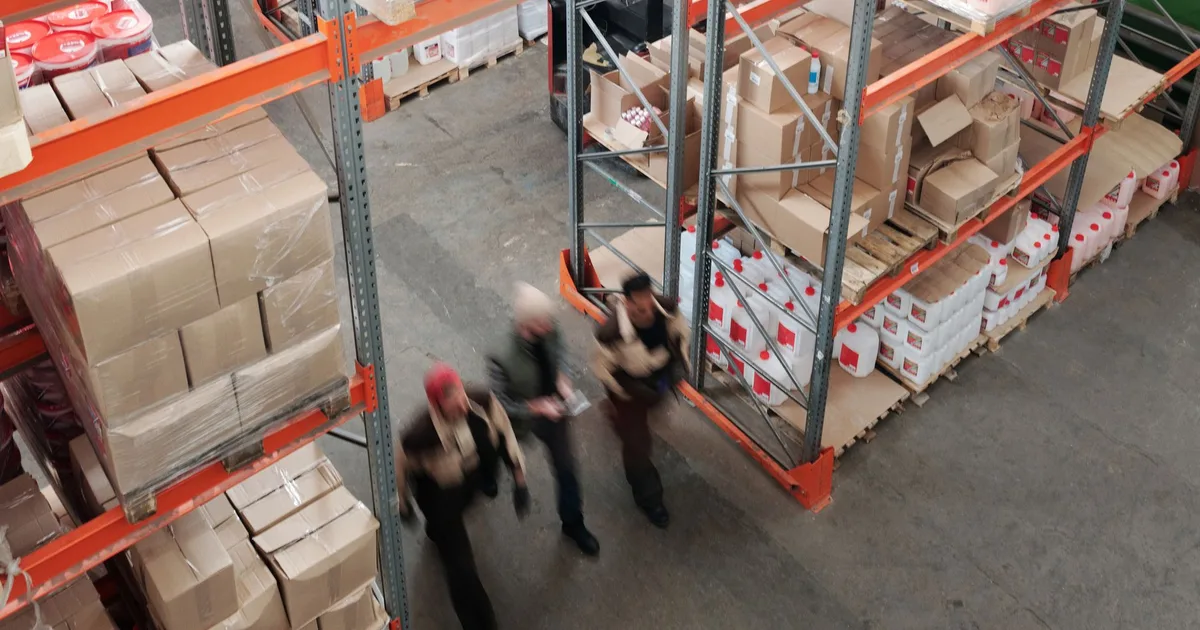
- Store reset or remodel: aisles, fixtures and adjacencies change, usually including many planogram resets at once. T-ROC describes this as an overnight rollout carried out by specialised reset crews in many chains.
Triggers include annual category reviews, new product launches, seasonal space, fixture upgrades and supplier or distributor changes. When a convenience chain switches distributor, for instance, it often resets center-store categories at the same time; NACS reported one such multi-store reset adding more than 300 items.
Six to eight weeks out: lock the plan and the product data
The quality of a reset is decided here. For a category reset, work back from the reset date:
| Weeks before | What should be done |
|---|---|
| 8–6 | Final planogram approved; store variants agreed for each fixture size |
| 6–4 | New items listed in the retailer's system with correct barcodes and dimensions |
| 4–3 | Orders placed so new items arrive before the reset; discontinued items stop being reordered |
| 2 | Shelf labels, price tags and reset packs printed against the final version |
| 1 | Crews and hours booked; stores briefed |
Two checks prevent most failures later:
- Every product has real dimensions. A planogram tool can only fit what it can measure; dimensions taken from the default shopper-facing front, as defined in the GS1 measurement standard, avoid width and depth being swapped.
- Every store has a plan that fits its fixture. One master plan sent to 90 cm, 100 cm and 120 cm bays guarantees improvisation. Build variants for real differences.
Build the reset kit
Use this planogram reset checklist for each fixture's pack:
- the planogram (front view per shelf, with SKU, facings and units deep)
- shelf heights or slot positions, top to bottom
- a list of items to remove and what to do with them (return, markdown, move to clearance)
- a list of new items and where they are in the backroom
- printed shelf tags and labels in planogram order
- consumables: shelf strips, dividers, pushers, label holders, cleaning cloths, bins for removed stock
- a sign-off sheet with space for photos
Version numbers matter. Print the planogram version and effective date on every page and every label batch, so an old reset pack cannot be used by mistake.
Who owns which fixture on the night?
Give every fixture one named owner. That person decides when a product does not fit, signs off the photos and reports missing items. Without one owner, crews wait for answers or each person improvises differently on neighbouring bays.
Brief the team before starting: the goal of the reset (for example, more space for a growing segment), the expected time per fixture, which fixtures come first, and who to call for decisions. If time runs short, finish the highest-selling fixtures and promotional ends completely rather than leaving every bay half done.
Run the planogram reset in this order
Crews lose most time when they stock first and adjust later. A sequence that works:
- Photograph the fixture before you start. It settles disputes and shows what changed.
- Pull everything off, separating continuing items from discontinued ones.
- Move the shelves to the new heights. Do this before any product goes back. A shelf moved after stocking means restocking twice.
- Clean the shelves and fit strips, dividers or pushers.
- Apply labels in planogram order, left to right, top to bottom. Labels become the map for stocking.
- Stock continuing and new items to the planned facings and depth.
- Face and front every product, rotating older stock to the front.
- Remove leftovers: anything without a label goes to the backroom, never into a gap.
- Photograph and sign off the finished fixture.
For chillers, keep the doors closed between steps and stock cold items last, so product is not left warm for long; the beverage cooler planogram guide covers door-by-door layout.
Missing and discontinued items on reset day
Something will always be absent: a late delivery, a supplier stock-out, an item not yet listed. Handle it consistently:
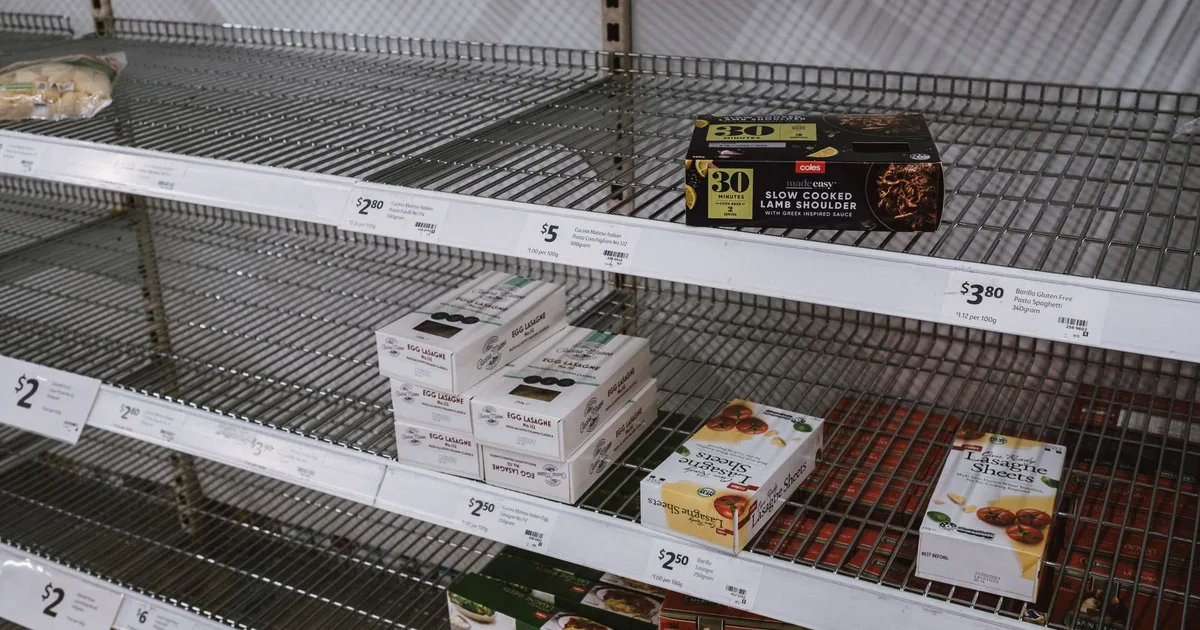
- Leave the labelled space empty or use a placeholder tag, rather than widening the neighbour's facings. Filling the gap hides the problem and breaks the plan permanently.
- Record the missing SKU on the sign-off sheet so someone follows up.
- Sell down or return discontinued items according to the instruction in the pack; do not leave them on a different shelf "for now".
When the planogram reset does not fit the shelf
The plan arrived, the shelves moved, and products still do not fit. Typical causes and fixes:
- Bay narrower than planned. Cut facings from the lowest-selling items on that shelf first, keep at least one facing of each item and note the change.
- Shelf gap too low for tall items. Check whether a shelf can move one slot (often about 2.5 cm, or 1 in). If not, the item belongs on the bottom shelf or a different shelf.
- Product depth larger than expected. Fewer units fit behind each facing; the shelf will need refilling more often, so flag it to replenishment.
- Pack changed size. A new pack size since the plan was built is a data problem. Feed it back so the next version uses the real dimensions.
If more than one or two fixtures in a chain hit the same problem, the plan itself needs a fix, not the stores.
Sales dipped after the reset: what to check
A short dip in the first week or two is common while regular shoppers relearn the shelf. A longer dip usually has a specific cause:
- Out-of-stocks on moved items. New positions may hold fewer units than the old ones. Compare capacity with weekly sales and case pack; our article on how to reduce out-of-stocks covers the maths.
- A key item lost its eye-level position. Check whether the best sellers moved down or out of the main sight line.
- Wrong or missing price labels. Products without a visible price sell more slowly.
- The store did not follow the plan. Audit before you judge the layout; a reset that was never executed proves nothing.
- A segment became hard to find. If shoppers shop by type before brand, a pure brand block can hide the segment they came for.
Verify within 48 hours, review at four weeks
Two checks close the reset:
- Within 48 hours: compare the fixture with the plan, position by position, and correct errors while the crew still remembers the night. Our guide to planogram compliance shows how to score it.
- At four weeks: review sales, out-of-stocks and gaps by product. Items with constant gaps need more capacity; items that never move need fewer facings next time.
Feed what you learn into the next planogram version. That loop is what makes each reset smoother than the last. If you rebuild plans by hand for every store size, software that fits products automatically against each fixture, ShelfPlot among them, removes much of that rework.
A smooth reset is decided weeks before the night
Execution matters, but most planogram reset failures come from earlier: missing product data, plans that do not fit, labels printed for the wrong version, new items not delivered. Lock those down six weeks out, give crews a kit and a fixed order of work, and check the shelf within two days.
FAQ
How often should a planogram reset be done?
Most categories are reset once or twice a year, often around an annual category review. Seasonal, promotional and fast-changing categories such as beauty or confectionery change more often.
How long does a planogram reset take?
A single 120 cm gondola section can take one to three hours depending on the number of SKUs and shelf moves. Full category resets across a store are usually scheduled overnight or over several nights.
What is the difference between a planogram reset and a store reset?
A planogram reset changes products and positions on a fixture. A store reset changes the wider store: aisles, fixtures and adjacencies, and usually includes many planogram resets.
Who performs planogram resets?
Store staff, supplier merchandisers or third-party reset crews, depending on the retailer. Large category resets are often carried out by specialised overnight crews.
What should you do with products that are not on the new planogram?
Follow the instruction in the reset pack: return them, mark them down or move them to clearance. Do not place them in gaps on the new fixture.