A planogram for different store sizes fails when one plan is sent to stores whose fixtures differ: a six-bay plan reaching four-bay stores, 120 cm plans in 100 cm bays, five-shelf layouts in four-shelf fixtures. Stores then improvise and every store ends up different. The fix is a small number of scaled variants built from real fixture data, with the same shelf logic in each.
Clustering stores is the planning side of this problem; see how to cluster stores for planograms. This article covers the troubleshooting side: recognising the mismatch and repairing it. If sizes match and results still differ, see planogram works in one store but not another.
Signs the plan does not match the store
- Compliance is consistently low in a group of stores, but fine elsewhere.
- Stores report "plan does not fit" for the same category repeatedly.
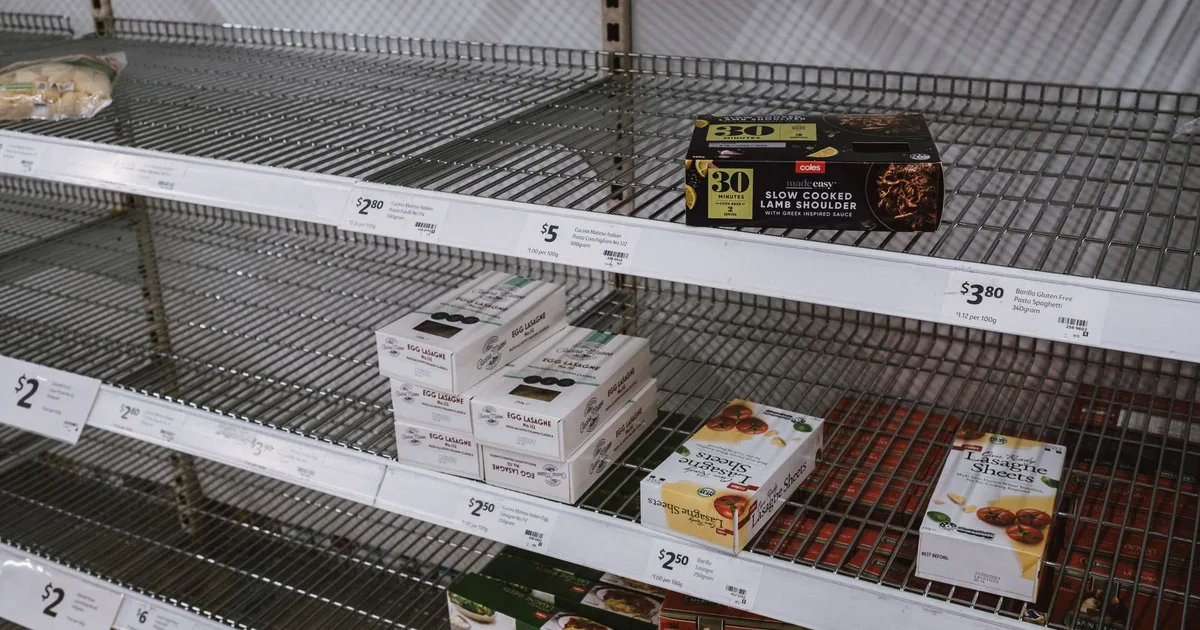
- Photos show blocks cut off at the end of the run, or products crammed in.
- Out-of-stocks cluster in smaller stores for the same products.
Repairing a planogram for different store sizes
1. Get the fixture facts
List, per store, the bays, widths, shelf counts and heights for the category. Without this, no plan can fit.
2. Build scaled variants, not edits
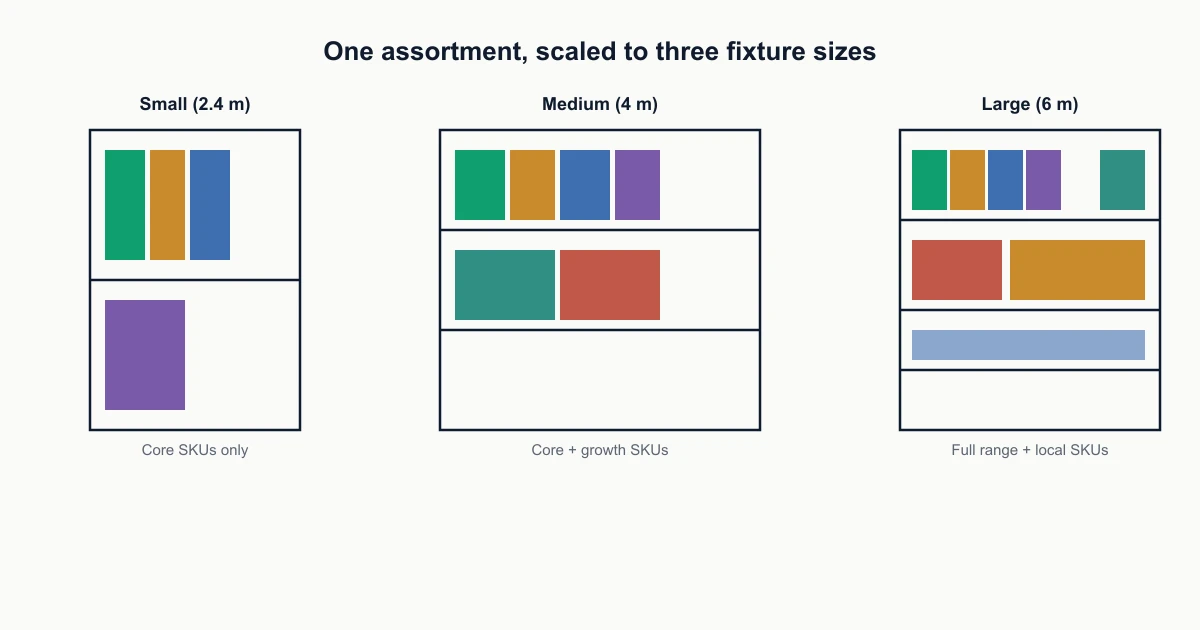
From the master plan, create variants for each real fixture size. Keep the order of segments and blocks; change only facings and range depth.
| Variant | Approach |
|---|---|
| Large | Full range, more facings for best sellers |
| Medium | Full core range, fewer facings, some tail items removed |
| Small | Core range only, minimum viable facings |
3. Use modules for local differences
Instead of separate plans for every region, keep a fixed core and swap a small module of local products.
4. Check capacity in the smallest version
The smallest variant is where facings shrink below a case pack. Check it with the shelf capacity calculator before release.
Keep the shopper's map the same
Customers visit different stores of the same chain. A small store should look like a compact version of the large one: same segment order, same blocks, fewer facings and fewer variants. Changing the logic between sizes confuses shoppers and staff.
Fit each store with a version, not a workaround
A planogram for different store sizes works only as a family of versions built from real fixture data. Recognise the mismatch from compliance and stock data, build scaled variants with the same shelf logic, and check the smallest one carefully. Wikipedia's category management article describes how retailers organise these decisions, and Wikipedia's gondola entry covers the fixtures involved.
FAQ
Can one planogram work for all store sizes?
Only if every store has the same fixture. Otherwise you need scaled variants.
How do you scale a planogram to a smaller store?
Keep the segment order and blocks, reduce facings, remove the weakest tail items and check capacity for best sellers.
How many planogram versions does a chain need?
Usually one per distinct fixture size for each category, sometimes with local modules.
What happens when stores receive the wrong size planogram?
They improvise, compliance drops and each store ends up with a different layout.