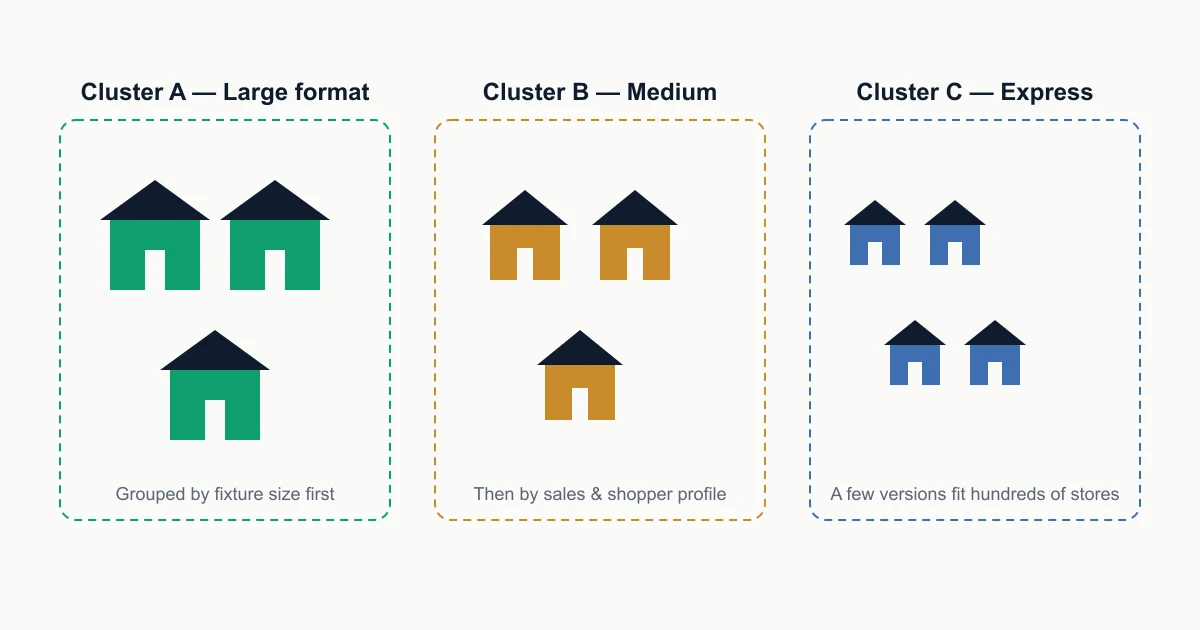
How to cluster stores for planograms: first group stores by the physical size of the fixture (how many bays, shelf heights, cooler doors), then split each size group by what shoppers buy there (sales mix, price sensitivity, local preferences), and stop when another cluster would not change the layout enough to justify maintaining it. Most chains end up with a handful of versions per category, not hundreds.
Clustering sits between two extremes. One planogram for every store is cheap to maintain but fits nobody well. A planogram per store fits perfectly but is impossible to keep current.
How to cluster stores for planograms: fixture size first
A planogram is drawn for a specific fixture. If one store has six bays of soft drinks and another has four, no amount of shopper analysis lets them share a plan. So the first split is physical:
- number of bays or doors for the category
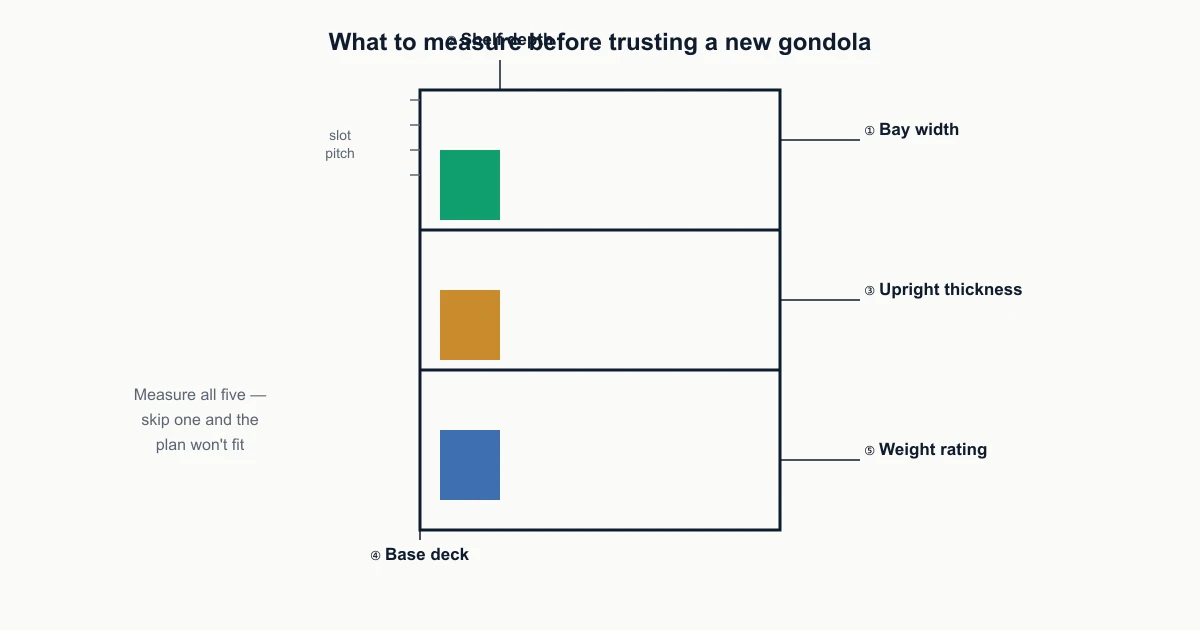
- bay width (for example 90 cm vs 120 cm)
- number of shelves and shelf heights
- special fixtures: chillers, freezers, peg walls
Group stores with the same physical space. Small differences, such as one extra shelf, can often be handled with a variant of the same plan rather than a new cluster.
Then split by what shoppers buy
Within each size group, look for real differences in demand:
- Sales mix: share of premium vs value, large packs vs singles.
- Shopper profile: families, students, commuters, tourists.
- Local preferences: regional brands, flavours, halal or ethnic ranges.
- Store role: top-up convenience vs weekly shop.
Use sales data by store for the category, not chain-wide averages. Simple sorting often works: rank stores by the share of sales from premium or large-pack products and look for natural breaks.
Decide how many clusters you can maintain
Every cluster is a planogram version someone must build, update at each change, print and audit. A useful test: would this cluster's planogram differ in more than a few positions? If not, merge it.
| Category size | Typical approach |
|---|---|
| Small category, stable range | 1–3 versions, by fixture size only |
| Large category, varied demand | 3–8 versions, by size and shopper profile |
| Category with strong local tastes | Size clusters plus a regional module |
The regional module approach keeps one core plan and swaps a small block of local products, which avoids multiplying whole planograms.
Keep the structure identical across clusters
Shoppers move between stores. Keep the order of segments, the brand blocks and the adjacencies the same in every cluster, and let only space and range change. A small store should feel like a smaller version of the large one, not a different shop. Our brand blocking planogram guide covers how blocks survive across store sizes.
Review the clusters, not just the planograms
Stores change: refits, new competitors, shifting neighbourhoods, and new openings (see how to plan a new store planogram). Review cluster membership once a year:
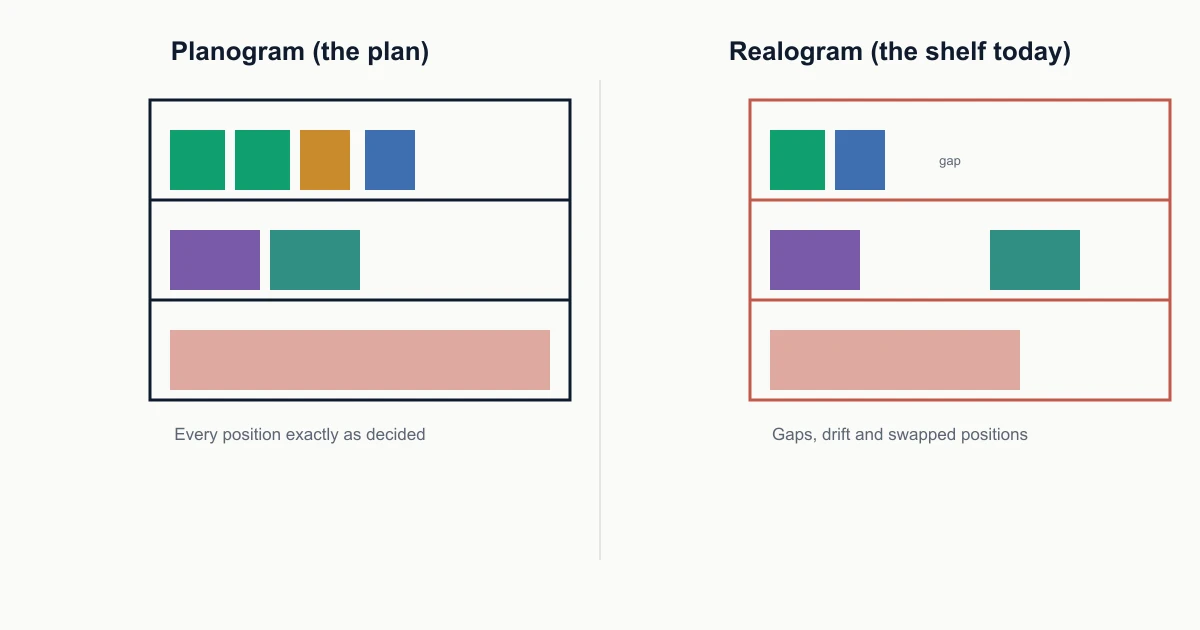
- Stores whose compliance is always low may sit in the wrong cluster; the plan may simply not fit their fixture.
- Stores with frequent out-of-stocks on certain items may need a cluster with more space for them.
Store-level availability data, as discussed in our reduce out of stocks guide, often reveals misclustered stores.
Fewer, better versions
Knowing how to cluster stores for planograms is mainly knowing where to stop. Split by fixture first because physics is non-negotiable, split by shoppers only where the layout would really change, and keep the shelf logic identical so every store feels familiar. A handful of well-maintained versions beats dozens that are always out of date. Wikipedia's category management article gives background on how retailers organise category decisions across stores, and Wikipedia's planogram entry on how plans are used.
FAQ
What is store clustering in retail?
Grouping stores with similar fixtures and shopper demand so they can share one planogram and assortment version.
How many store clusters should a retailer have?
As few as possible while still fitting the stores well. Many categories work with 3–8 versions; small categories may need only one per fixture size.
Should each store have its own planogram?
Rarely. Store-specific planograms fit best but are hard to maintain. They are usually reserved for flagship stores or unusual layouts.
What data do you need to cluster stores?
Fixture dimensions per store and category, sales by product and store, and basic shopper or location information.