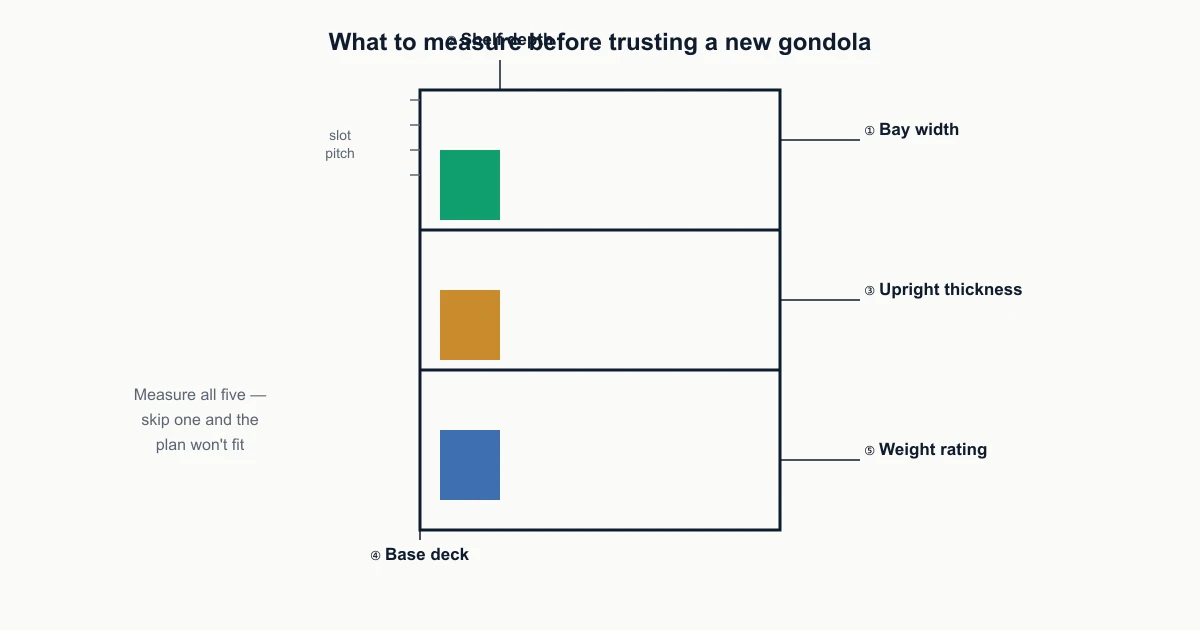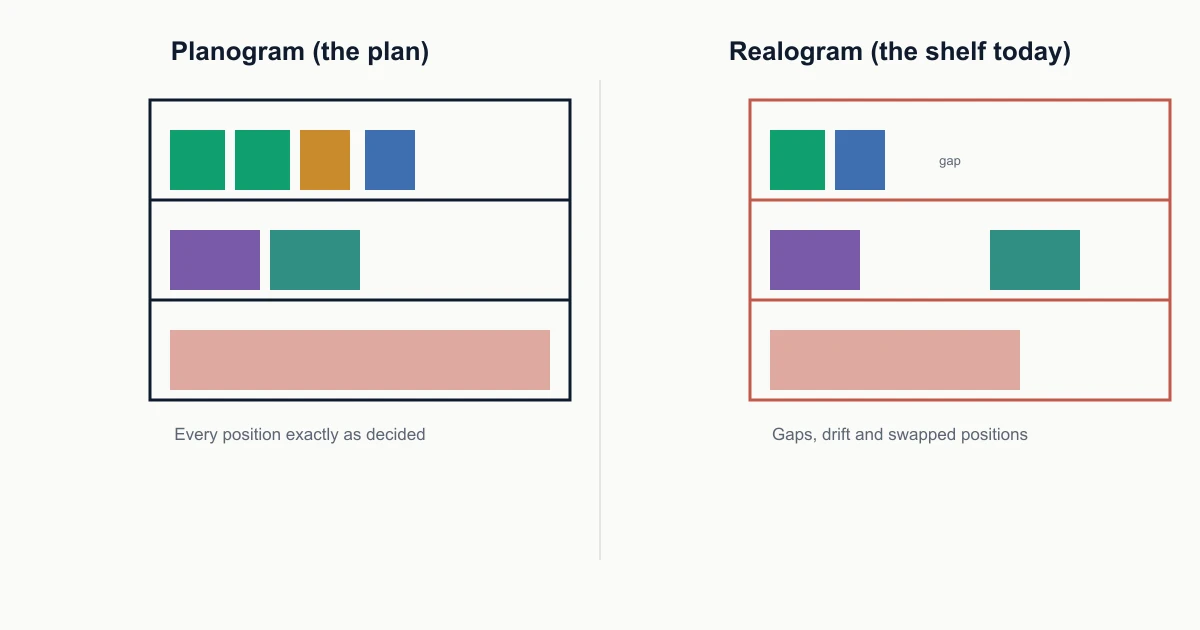
A planogram in Excel works best as two sheets: a product sheet holding each SKU's width, height and depth, and a drawing sheet where cells are sized to real centimetres so one cell equals one centimetre of shelf. Formulas then tell you how many facings fit before you colour a single cell.
That last part is what most free templates skip, and it is why their layouts look fine on screen and fail on the shelf.
Turn cells into centimetres
Excel can size columns and rows in real units, but only in Page Layout view. Microsoft explains the setting in its guide to changing column width and row height: switch to View → Page Layout, set ruler units to centimetres under File → Options → Advanced → Display, then select every column and set the width to 1 cm, and every row to 1 cm.
Now a 120 cm shelf is 120 columns wide. For long gondolas, use a 1 cell = 2 cm scale and write the scale in the sheet header so nobody misreads it.
Build the product sheet before drawing anything
Create a sheet called Products with one row per SKU:
| SKU | Product | Width cm | Height cm | Depth cm | Case pack | Weekly units |
|---|---|---|---|---|---|---|
| 1001 | Fizz Cola 330 ml can | 6.6 | 11.5 | 6.6 | 24 | 96 |
| 1002 | Fizz Lemon 330 ml can | 6.6 | 11.5 | 6.6 | 24 | 40 |
| 2001 | Crunchies 150 g bag | 18.0 | 25.0 | 7.0 | 12 | 20 |
Turn it into an Excel table (Ctrl + T) so lookups keep working when you add products.
Fit formulas that catch problems early
On a Fixture sheet, put shelf width in B1, gap between facings in B2, shelf depth in B3 and clearance to the next shelf in B4. For each product row on the plan:
- Max facings:
=FLOOR((B$1+B$2)/(Width+B$2),1), using the FLOOR function to round down - Width used by your chosen facings:
=Facings*Width+(Facings-1)*B$2 - Units deep:
=FLOOR(B$3/Depth,1) - Height check:
=IF(Height<=B$4,"OK","Too tall")
Sum the width used across all products on a shelf and compare it with B1. Add conditional formatting that turns the total red when it goes over. A 120 cm shelf with 18 cans at 6.6 cm uses 118.8 cm with no gap; add a 0.5 cm gap and only 16 fit.
Draw the planogram in Excel to scale
With cells at 1 cm, a can 6.6 cm wide is about 7 cells. Merge the cells for each facing block, fill them in the brand's colour, and type the SKU inside. Two habits help:
- Draw one block per product with its facing count written in it, rather than one block per can. It is faster to edit.
- Freeze a header row with shelf numbers and heights so the sheet reads like a fixture.
Shapes work too: Insert → Shapes, then set each shape's exact size under Format → Size. Shapes are easier to move, but they do not update when a product's width changes in the product sheet.
Print and share without losing scale
Set the print area to the fixture only, choose landscape, and use Fit to 1 page wide. Scale will shrink, so print the product list with facings beside the drawing; the store team builds from the numbers, not from the ruler. Export to PDF so colours and merged cells survive email.
Where a spreadsheet planogram stops coping
Excel is fine for a handful of fixtures. Three traps appear as you grow:
- Changes do not flow through. Delist one SKU and every drawing that used it must be fixed by hand.
- Store variants multiply. A 90 cm and a 120 cm version of the same bay are two separate drawings to maintain.
- Rules live in your head. Brand blocks and size order are applied manually each time, so two people produce two different layouts.
When those start costing hours each week, dedicated planogram software is worth trying. In ShelfPlot you can add the same product list, choose the fixture, and let rule-based auto-layout place and fit products. For the wider method behind any tool, see how to make a planogram, or test a shelf quickly with the shelf capacity calculator.
Keep the product sheet, outgrow the drawing
The product sheet is the valuable part of a planogram in Excel: accurate dimensions, case packs and sales. Build that carefully, use formulas to prove the fit, and treat the coloured cells as a disposable picture of it.
FAQ
Is there a free planogram template in Excel?
Many free templates exist, but most are coloured grids without real dimensions. A template is only useful if cells are set to a real scale and it includes fit formulas for width and height.
Can Excel calculate how many products fit on a shelf?
Yes. Divide shelf width plus gap by product width plus gap and round down with FLOOR or INT. Do the same with depth for units deep, and compare product height with shelf clearance.
Is PowerPoint better than Excel for planograms?
PowerPoint is easier for drawing and presenting a single layout. Excel is better when you need formulas, product lists and fit checks. Neither handles many store variants well.
How do I set Excel cells to centimetres?
Switch to Page Layout view, choose centimetres as ruler units in Excel's advanced options, then set column width and row height to the size you need.