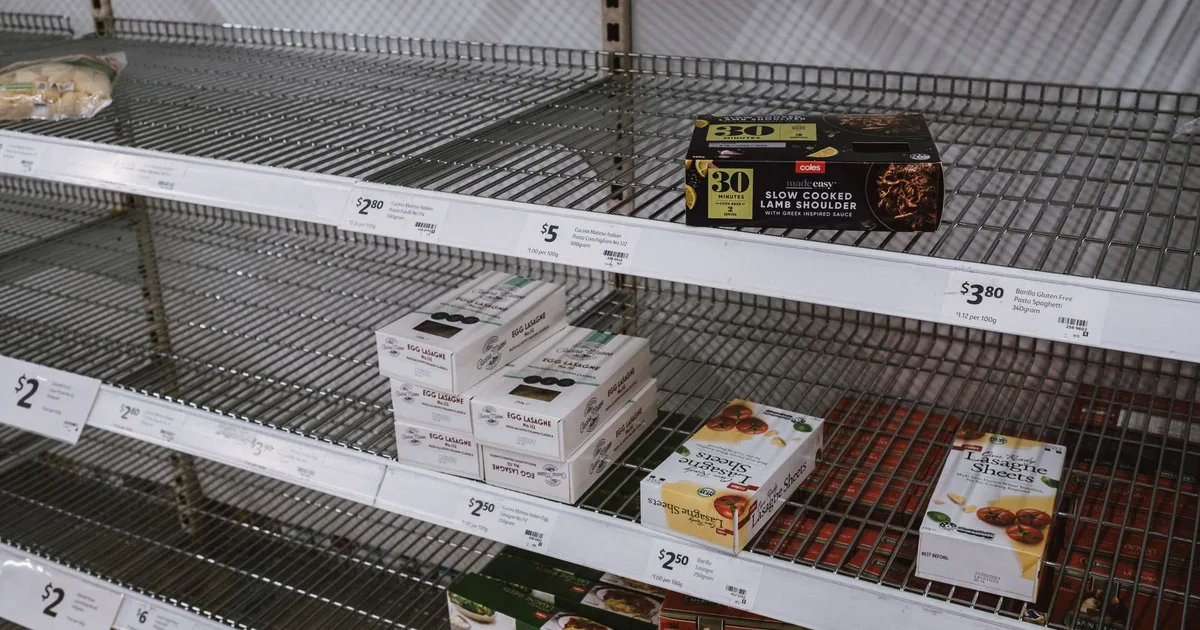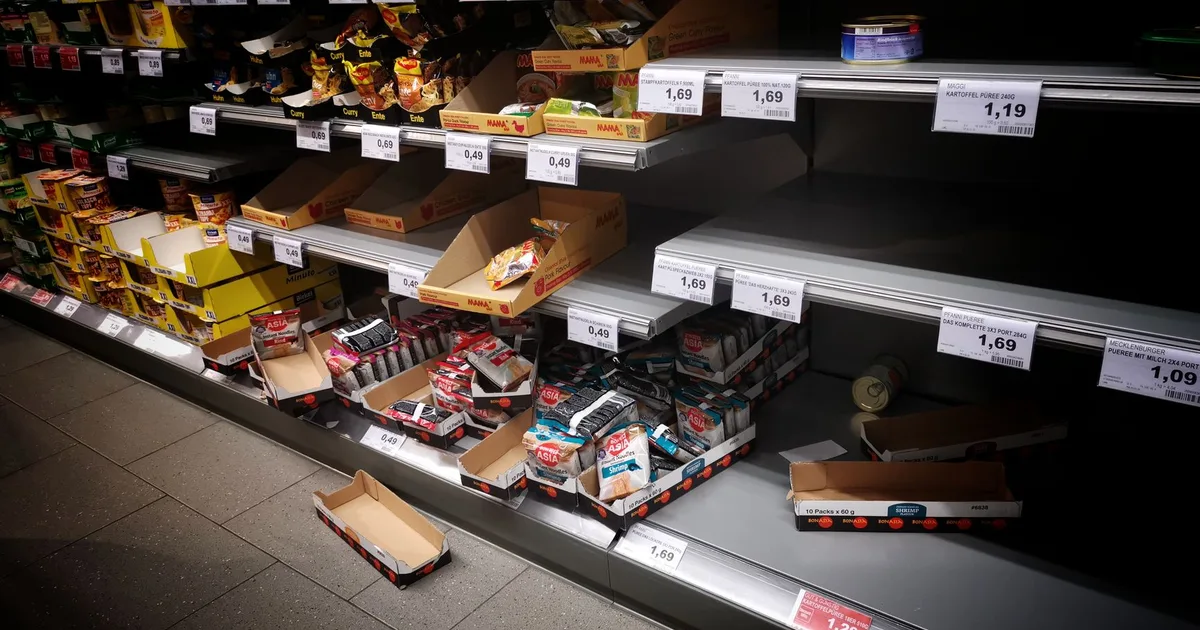
Shelf gaps after reset usually have one of five causes: new items that have not arrived yet, products whose new space holds less than they sell, gaps deliberately left for items still to come, stock sitting in the backroom without labels to guide it, or products that were removed but never replaced. Each gap needs its cause identified before it is filled, because every empty position on a planogram belongs to a specific product.
The worst response is filling every gap with neighbouring products. The shelf looks full, but the plan is gone and the real problem is hidden.
Walk the fixture with the plan in hand
Two to three days after the planogram reset, walk each reset fixture with the plan and mark every gap. For each one, note:
- product that should be there
- whether it is in the backroom
- whether it is on order
- whether its label is in place
Ten minutes per fixture is enough to sort gaps into causes.
Five causes of shelf gaps after reset
1. New items not yet delivered
Launches often lag the reset date. Fix: leave the labelled space empty, record the expected delivery and chase it. Next time, align the reset date with delivery dates.
2. Capacity lower than sales
Products moved to smaller spaces, or squeezed to fit new items, run out between refills. Fix: compare capacity with daily sales and case pack; give the item more facings or depth.
3. Stock in the backroom but not on shelf
After a reset, staff do not yet know where things go. Fix: labels in planogram order and backroom stock organised by aisle. Our guide to reduce out of stocks covers backroom flow.
4. Phantom inventory
The system shows stock that is not really there, so nothing is reordered. Fix: count items that stay empty for two days and correct records.
5. Removed products with no replacement
Space from delisted items was never re-flowed. Fix: update the plan so neighbours absorb the space; see shelf looks empty after delisting.
What not to do
- Do not spread neighbours across the gap.
- Do not move products from other aisles to "make it look full".
- Do not remove the label of a missing item.
Each one breaks the plan and makes the next audit meaningless.
When gaps persist across stores
If the same gap shows up in many stores, the plan is at fault: capacity is too low or the delivery plan did not match. Feed it back to the planning team so the next version fixes it centrally. Research summarised in Wikipedia's stockout article shows most availability problems start inside the store, which is why this check pays off.
Label every gap with its cause
Shelf gaps after reset are information. Leave each labelled, find its cause (late delivery, low capacity, backroom, phantom stock or unplanned space) and fix that cause. A week later the reset will be complete rather than disguised.
FAQ
Why are there empty spaces after a planogram reset?
Usually late new items, products with too little capacity, backroom stock not yet worked, inaccurate inventory or space from removed items not reallocated.
Should staff fill empty shelf spaces with other products?
No. Leave labelled gaps and report them, so the cause can be fixed and the plan kept.
How soon after a reset should gaps be checked?
Within two to three days, then again at about two weeks.
What if a new product never arrives?
Report it to the category team; the plan may need a version that reallocates the space.