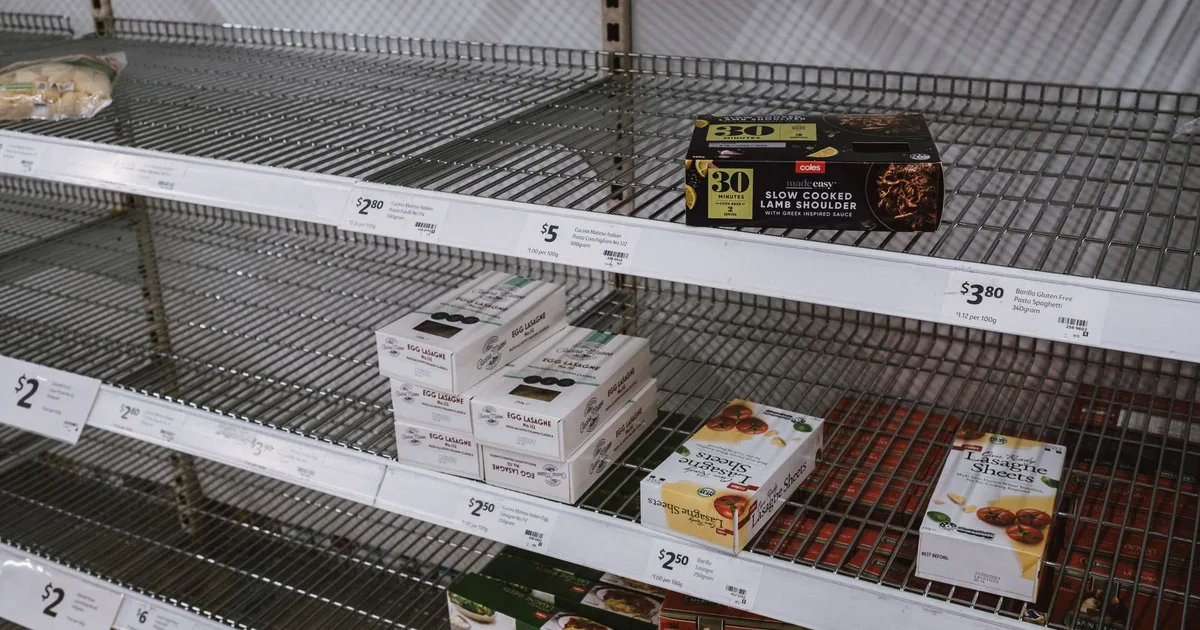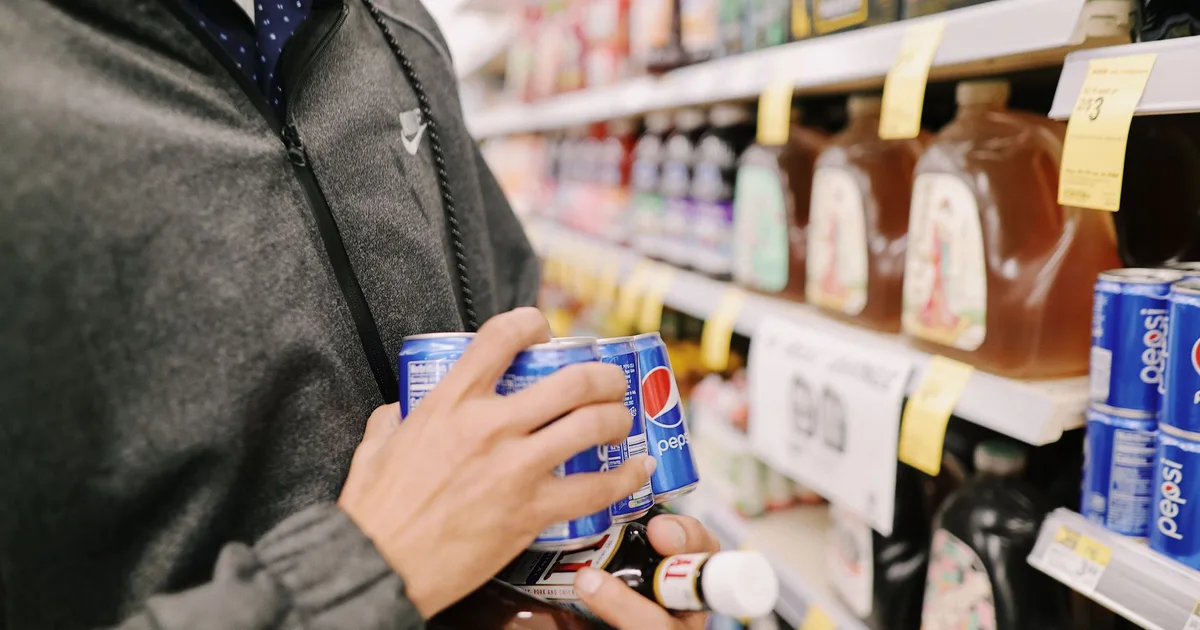
Shelf label does not match product? That means the label under a position describes a different item, size or price from the product sitting above it. It happens when products are moved without their labels, labels are placed out of planogram order, similar packs are confused, or old labels stay after a change. The result is wrong prices, checkout disputes and lost trust.
Mismatches are easy to miss because the label and the product often look similar, such as a 330 ml label under a 250 ml can of the same flavour.
Why a shelf label does not match product above it
- Products moved, labels not. Staff shift products to fill gaps or after a reset, leaving labels behind.
- Labels placed out of order. A batch printed in a different order from the shelf, placed by guesswork.
- Look-alike packs. Different sizes or variants of the same brand placed above each other's labels.
- Old labels remain. After a delisting or price change, the old label stays and the new one is added elsewhere.
Find mismatches quickly
- Scan check: scan the product barcode and the label barcode for each position. They should match. The Universal Product Code on the pack is the reliable identifier, not the picture.
- Planogram check: compare label order with the planogram, left to right.
- Spot check after changes: check every fixture touched by a reset, promotion or delisting within two days.
Fix and prevent
- Move label and product together, always.
- Follow one placement rule for every label; see price tag placement errors.
- Print labels in planogram order and place them before stocking.
- Remove old labels the moment a product leaves the fixture.
- Add a "label matches product" line to every shelf audit.
For labels that are missing altogether, see missing shelf labels after reset.
The barcode decides, not the picture
When a shelf label does not match product details, trust the barcode, fix the position and find out why it moved. Labels and products that travel together, placed in planogram order, stay matched. Wikipedia's electronic shelf label article covers systems that update prices automatically, though they still depend on correct positions.
FAQ
Why do shelf prices not match the product?
Usually because products were moved without their labels, labels were placed out of order, or old labels were not removed after a change.
How do you check if shelf labels are correct?
Scan the product and label barcodes for each position, or compare label order with the planogram.
Who is responsible for shelf label accuracy?
Store staff place and maintain labels; the pricing team ensures labels are produced correctly.
Do mismatched labels affect sales?
They cause confusion at checkout and can make shoppers distrust prices, which hurts sales and loyalty.