Converting a planogram to a different gondola — because a store is switching fixture suppliers, standardizing on a new gondola model, or inheriting a different fixture through an acquisition — is not the same as simply scaling the old plan up or down. A planogram built around one fixture's exact dimensions carries assumptions that don't automatically transfer to a differently sized one.
Why a simple resize doesn't work
Stretching or shrinking a planogram proportionally assumes every dimension scales together, but gondolas rarely differ from each other in only one way. A new gondola might be the same width but a different depth, or the same depth but a different slot pitch, or all three at once. Scale the plan as if only width changed, and you'll get facings that technically fit the new width but shelf heights that don't match any real slot position, or product depths that no longer fit the new shelf depth.
The conversion process
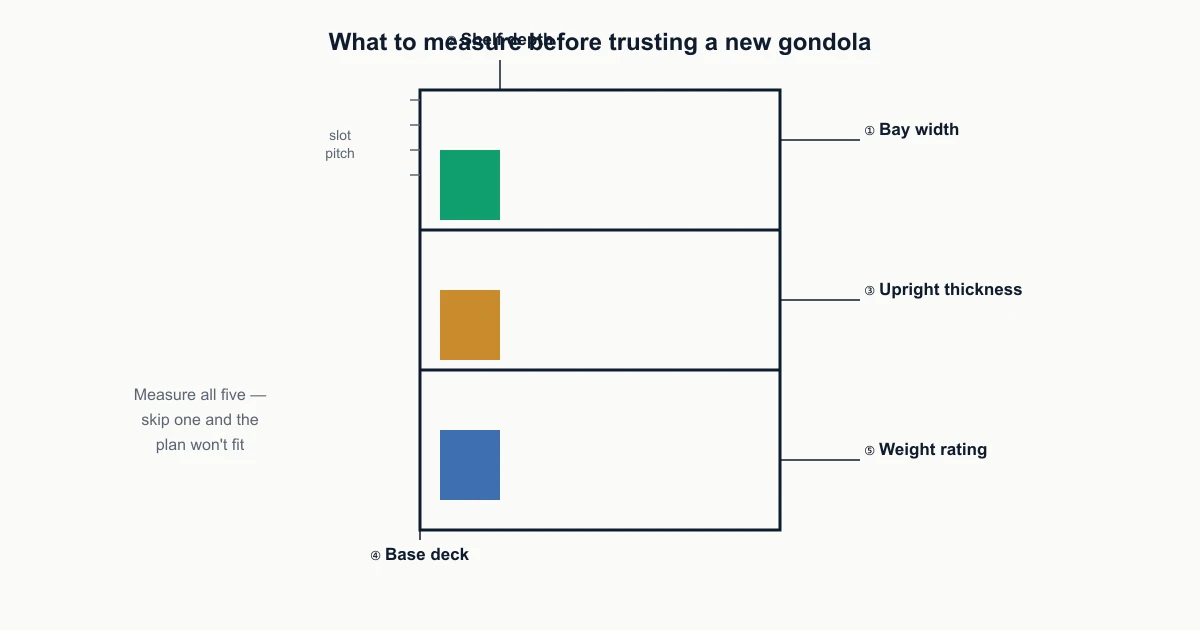
1. Re-measure the new fixture against the same checklist as a brand-new gondola. Bay width, shelf depth, slot pitch, upright thickness, base deck, and weight rating — don't assume any of them matches the old fixture just because the gondola "looks similar."
2. Separate the category logic from the physical layout. The sequencing, the brand blocks, the adjacency rules, and which SKUs matter most to the category should carry over unchanged — these are decisions about the shopper, not the fixture.
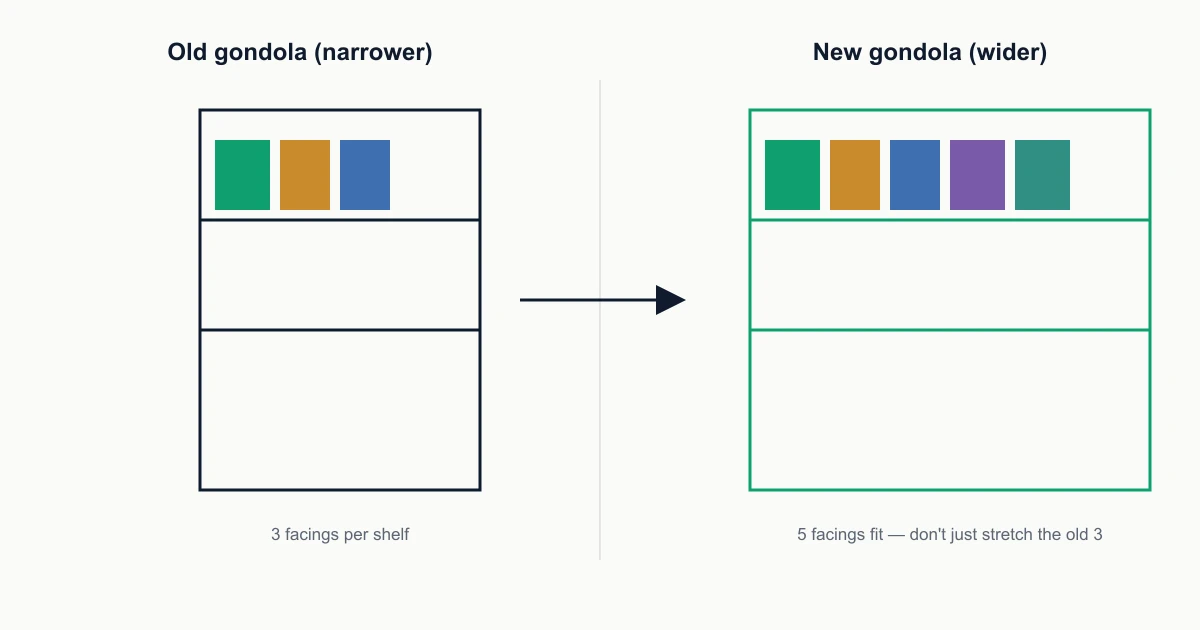
3. Rebuild facings and shelf heights against the new dimensions, category by category. Recalculate facings per shelf using the new bay width and product dimensions, and reassign shelf heights to the new fixture's real slot positions — don't just copy the old shelf heights and hope they land close enough.
4. Check depth-sensitive and weight-sensitive categories first. These are where a dimension mismatch is most likely to actually break something, rather than just shift a few centimeters of white space — a product that was fine at the old depth can overhang a shallower new shelf, and a heavy category can exceed a different weight rating even at the same shelf height.
What tends to get missed
The most common conversion mistake isn't a fixture dimension at all — it's assuming the category logic transfers perfectly when the new fixture has a different total capacity. A gondola with more usable bays than the old one isn't just "the same plan with gaps" — it's an opportunity (or a requirement) to reconsider facing counts across the whole category, not just stretch the old ones to fill the space.
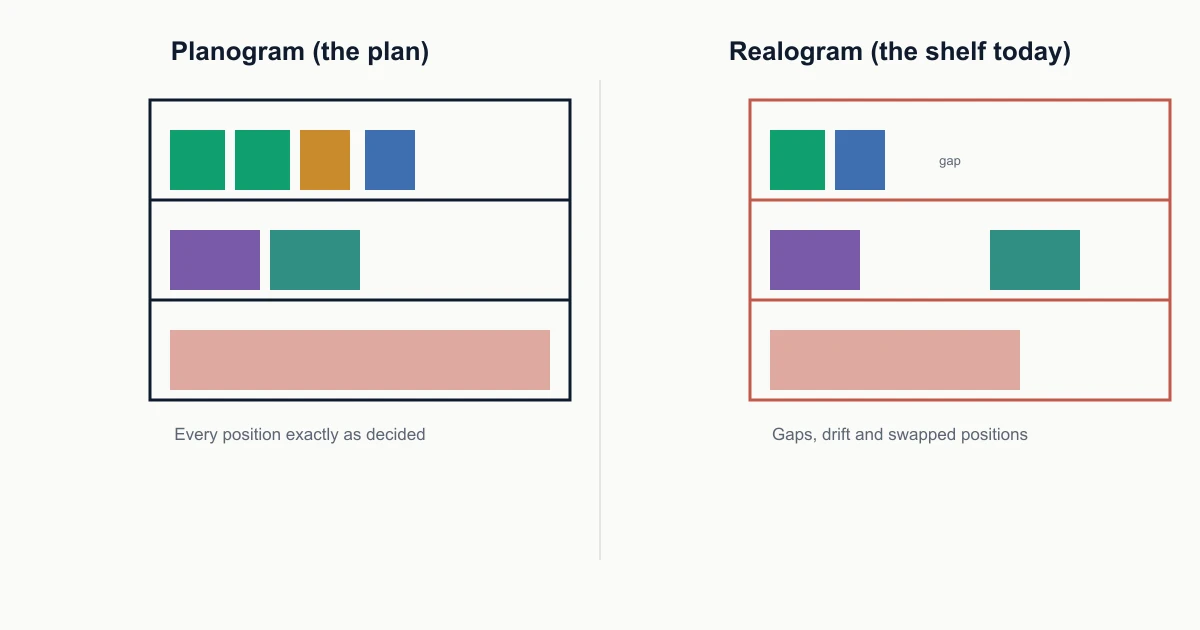
If this is a recurring issue in your stores, new gondola planogram covers a closely related angle worth checking. See what is a planogram for a related breakdown that often comes up alongside this. This pairs naturally with planogram vs realogram, which tackles a closely related piece of the same problem.
FAQ
Does a gondola conversion require rebuilding the whole category plan from scratch?
No — the category logic (sequencing, blocking, adjacency) should transfer directly. What needs rebuilding is the physical layer: facings, shelf heights, and depth checks against the new fixture's real dimensions.
What's the biggest risk when converting to a larger gondola?
Treating the extra space as free white space or evenly stretching every SKU's facings, rather than deliberately deciding where the extra capacity should go based on sales performance.
Should weight-sensitive categories be converted differently?
Yes — always re-check the new fixture's per-shelf weight rating for any category with heavy products (canned goods, liquids, cases), since this is a common point of failure that a straightforward width-and-depth conversion can miss entirely.