How to share planograms with stores so they get built: send each store only the version that fits its fixtures, in a format readable on the shop floor (printed or on a phone), with a version number, effective date and short change list, and ask for a photo sign-off when the fixture is done. Distribution fails when stores receive the wrong version, too many files or no deadline.
A perfect planogram that reaches the wrong store, or reaches the right store a week late, produces the same result as a bad one.
How to share planograms with stores: one version per store
Chains rarely use one plan for every store. If stores are grouped into clusters by fixture size, each store must receive its cluster's version only. Sending all versions and asking stores to pick is a reliable way to get the wrong one built. Our guide on how to cluster stores for planograms covers how those versions are created.
Keep a simple list: store, cluster, fixture sizes, current version per category. It is the backbone of distribution.
Pick a format the floor can use
| Format | Works well for | Watch out for |
|---|---|---|
| Printed PDF | Resets, stores with limited devices | Scale lost on small paper; old printouts kept |
| PDF on phone or tablet | Day-to-day restocking | Small screens; zooming on detailed shelves |
| Shelf-by-shelf pages | Large fixtures | Pages getting separated |
| Photo of a set fixture | Small chains, simple displays | Photos go out of date quickly |
Whatever the format, every page should repeat the store or cluster, fixture, version and date, so a single page found on its own is still traceable.
Include a change list on top
Stores rarely need to rebuild a whole fixture. Put a short change list on the first page:
- added: product, shelf, position, facings
- removed: product and what to do with stock
- moved or facings changed
Staff can then work from the list and use the full plan only to check.
Set dates and deadlines
Every planogram should state:
- effective date: when the new layout applies
- completion deadline: when the fixture must be done
- expiry: for promotional and seasonal plans, when it ends
Without dates, old plans linger and new ones are "done later".
Close the loop with sign-off
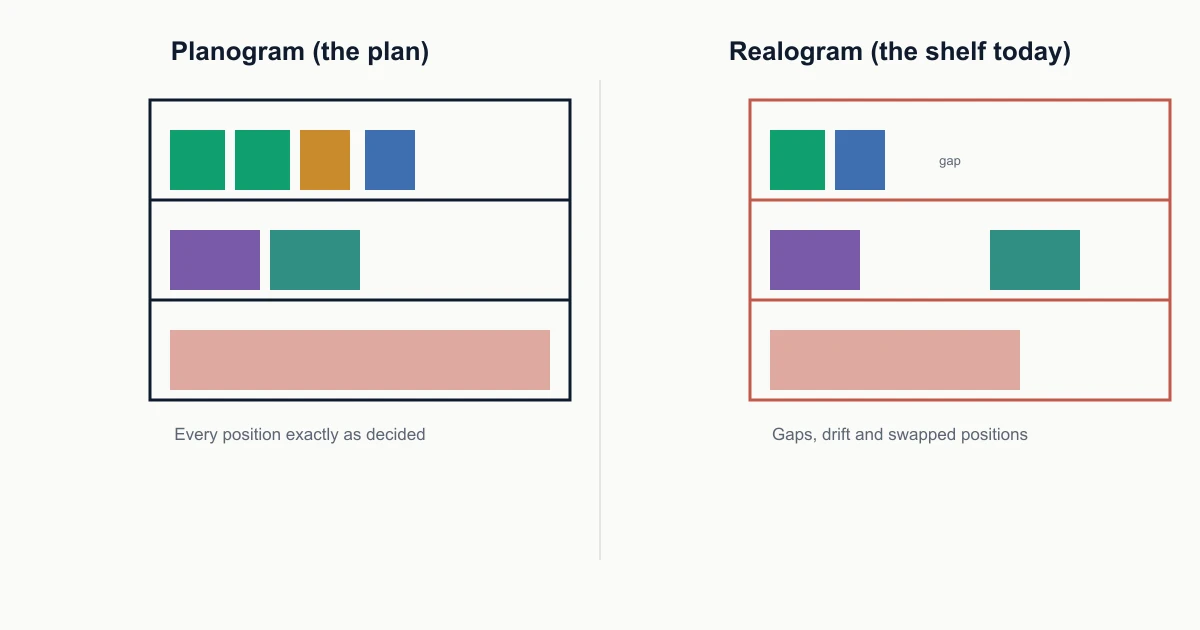
Ask stores to confirm completion with a photo of the finished fixture. It takes a minute and gives the planning team two things: proof of execution and early warning when a plan does not fit. A store that cannot build the plan should report why rather than improvise; see how to read a planogram for the checks staff should do first. Photo checks are also how many teams measure planogram compliance.
Retire old versions
Old printouts are the main source of wrong layouts. When a new version goes live:
- tell stores which version it replaces
- ask them to discard the old pages
- keep the archive centrally, not in the store
Right version, right store, right date
How to share planograms with stores comes down to removing room for confusion: one version per store, readable on the floor, dated, with a change list on top and a photo sign-off at the end. The planogram itself may be excellent, but distribution decides whether shoppers ever see it. Background on how these plans are used across retail is in Wikipedia's planogram entry, and Wikipedia's mystery shopping page describes one independent way chains check what was really built.
FAQ
What is the best way to send planograms to stores?
A PDF per store or cluster with version, date and change list, delivered through whatever channel stores already check daily, plus printed copies for resets.
How do stores know which planogram is current?
Each page should show a version number and effective date, and every new release should state which version it replaces.
Should store staff view planograms on phones?
For quick checks and small changes, yes. For full resets of large fixtures, printed shelf-by-shelf pages are usually easier.
How do you confirm a store built the planogram?
Ask for a dated photo of the finished fixture and compare it with the plan, either manually or with image recognition.