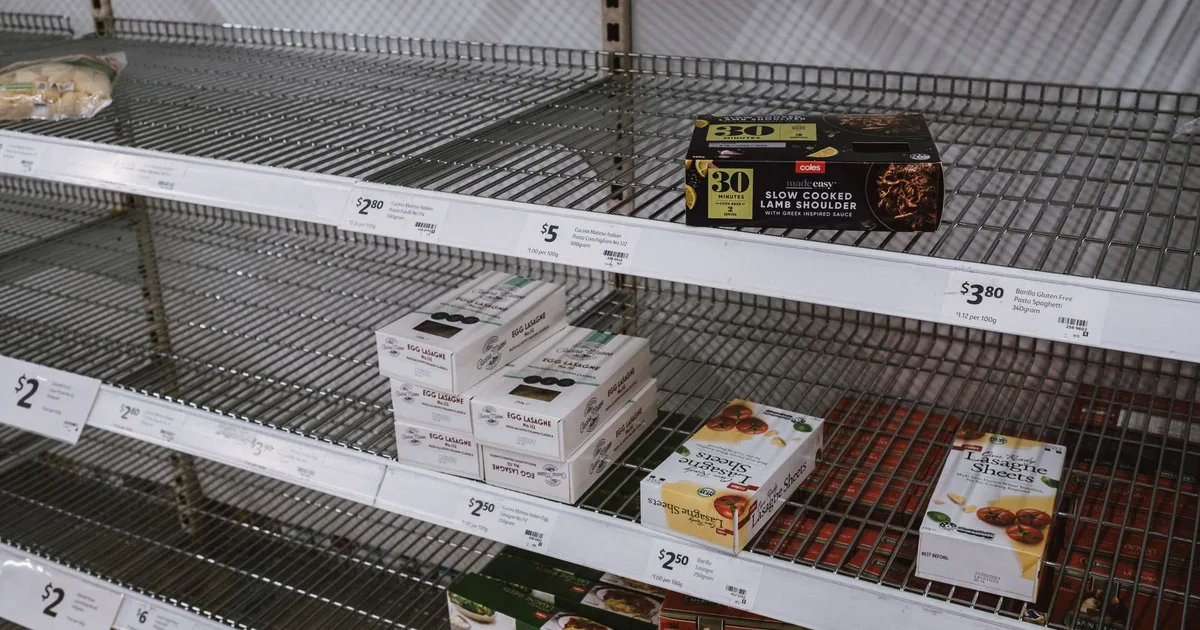
The planogram errors category managers make are rarely about taste; they are decisions taken without checking what happens on a real shelf. The most common: adding SKUs without removing any, giving space by habit instead of sales, ignoring case-pack capacity, one plan for all store sizes, blocking by brand when shoppers choose by type, late changes after release, promotions that collide with the plan, and no review after the reset.
Each one shows up weeks later as gaps, low compliance or flat sales, long after anyone remembers the decision.
Eight planogram errors category managers make
1. Adding without removing
New launches are listed, nothing leaves, and every product loses a facing. Catch it: for every new item, name the space it takes. See how to update a planogram for new products.
2. Space by habit or negotiation only
Facings reflect last year's deal, not this year's sales. Catch it: compare share of space with share of sales for each brand and segment.
3. Ignoring capacity
A product with three facings that sells more than the shelf holds between refills will be empty every afternoon. Catch it: check capacity ≥ case pack + sales between refills. Our product facings guide explains it.
4. One plan for every store
The plan is built for the largest stores, then sent everywhere. Catch it: check the smallest store variant before approval.
5. Wrong blocking logic
Brand blocks in categories where shoppers choose by type or size. Catch it: confirm the shopper decision order before blocking.
6. Late changes
Edits after release mean stores receive two versions and build a mix. Catch it: lock the plan at sign-off; any later change is a new version with a date.
7. Promotions that fight the plan
A promotional volume lands on a shelf with no space for it. Catch it: plan promotions on secondary displays or include them in the planogram version.
8. No post-reset review
Nobody checks sales, gaps and compliance afterwards, so the same errors repeat. Catch it: review four weeks after every reset.
A pre-release checklist
- Range changes balanced (adds = removes or space increases)
- Space share vs sales share checked
- Capacity checked for top 20% of items
- Smallest store variant checked
- Blocking logic matches shopper decision order
- Version locked and dated
The planogram approval process guide shows where this checklist fits.
Check the shelf before signing the plan
Most planogram errors category managers make can be caught on paper before a single store resets: balance adds with removes, test capacity, check the smallest store and lock the version. Wikipedia's category management article describes the wider role these decisions sit in, and its stockout article shows the cost of capacity mistakes.
FAQ
What is the most common planogram mistake?
Adding new products without removing others, so every item loses facings and best sellers start running out.
How do you check a planogram before release?
Compare space with sales, check capacity for best sellers, check the smallest store variant and confirm the blocking logic.
Why do planograms fail after a reset?
Often because capacity was too low, the plan did not fit some stores, or late changes caused confusion.
How often should category managers review planograms?
After every reset, typically four weeks later, and at each category review.