A planogram approval process usually runs in six stages: a brief that sets range and space, a draft planogram, a technical fit check, a commercial review by the category manager or buyer, formal sign-off and release to stores with a version and date. Most delays come from skipping the fit check, which leads to plans being approved commercially and then rejected because they do not fit real stores.
Writing the process down, even in a small team, saves rework and stops plans reaching stores before they are final.
The planogram approval process in six stages
| Stage | Who | Output |
|---|---|---|
| 1. Brief | Category manager | Range, space per cluster, rules, deadline |
| 2. Draft | Space planner, supplier or agency | First planogram per cluster |
| 3. Fit check | Space planner | Confirmed width, height, depth and capacity |
| 4. Commercial review | Category manager / buyer | Comments on placement, facings, adjacencies |
| 5. Sign-off | Category manager (and supplier, for branded fixtures) | Approved version |
| 6. Release | Space planning / store operations | Store plans, change lists, reset dates |
Stage 1: A brief that prevents rework
A good brief lists:
- products in, out and staying
- space per store cluster, in bays or doors
- non-negotiable rules (for example, private label beside the leading brand, kids' products above a certain height)
- the reset date working back to the approval deadline
Stage 3: The fit check most teams skip
Before commercial review, confirm for each cluster:
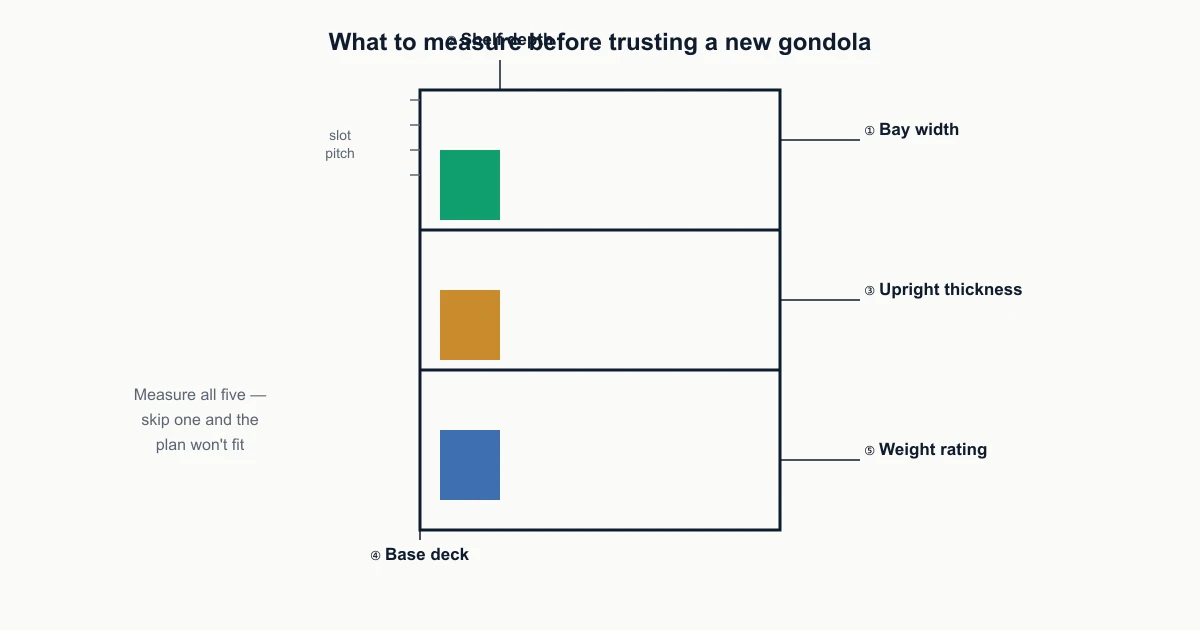
- every shelf's total width fits
- tall items have shelf clearance
- each product holds at least one case pack plus sales between refills
- blocks and size order are intact
A plan that fails here will fail in stores. Our guide on how to calculate shelf capacity covers the maths.
Stage 4: Commercial review
The category manager checks the plan delivers the strategy: the right products at eye level, space roughly in line with sales and margin, promotional commitments honoured. When a supplier proposes the plan as category captain, this is where bias towards its own brand gets corrected.
Comments should be specific ("move Fizz Zero to shelf 3, keep 4 facings") and collected in one round where possible. Rolling feedback over email is the main cause of version confusion.
Stage 5: Sign-off
Record who approved which version and when. For branded fixtures such as coolers, both the supplier and the retailer may sign off. After sign-off the plan is locked; later changes become a new version, as described in planogram version control.
Stage 6: Release
Release the approved version per store cluster with effective date, completion deadline and a change list. See how to share planograms with stores.
Approve plans that will fit
A planogram approval process works when technical checks come before commercial opinions and every approval is tied to a numbered version. Brief clearly, check fit early, review once, sign off formally and release with dates, and plans reach stores on time and as approved. Wikipedia's planogram entry gives background on how these plans are used.
FAQ
Who approves a planogram?
Usually the retailer's category manager or buyer. For supplier-owned fixtures, the supplier and retailer may both sign off.
How long does planogram approval take?
It varies by category and retailer. Planning back from the reset date, with a fixed review round, keeps it predictable.
Why do planograms get rejected?
Common reasons are poor fit in some stores, too little capacity for fast sellers, bias toward one supplier and broken shelf logic.
Can an approved planogram be changed?
Yes, but as a new version with its own approval, not as an edit to the approved file.