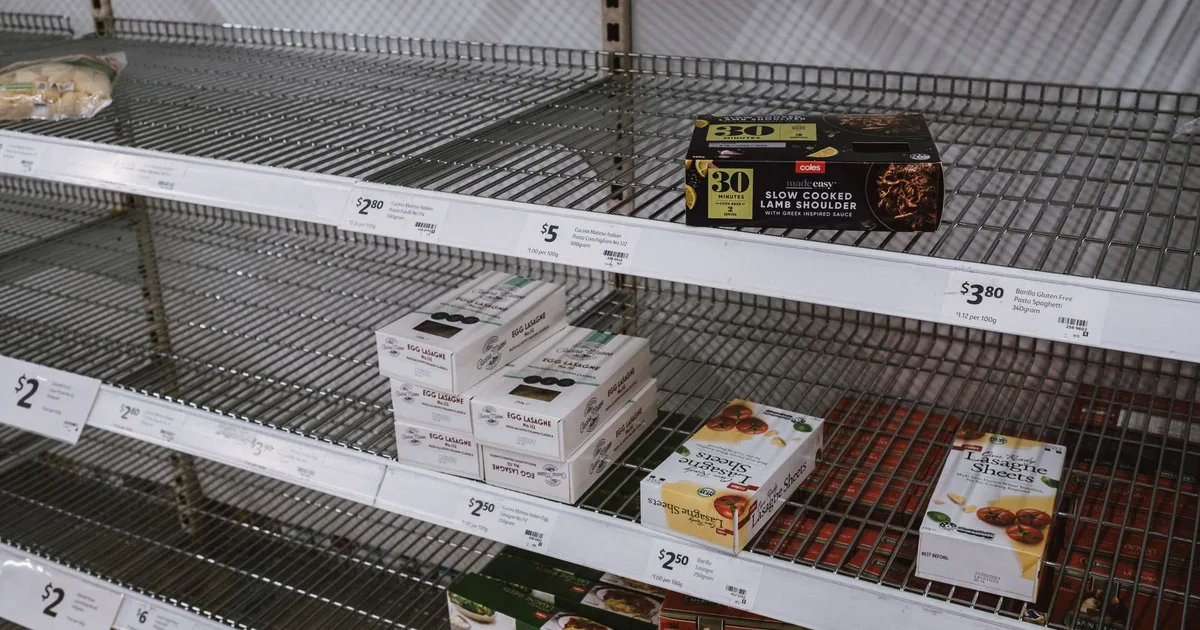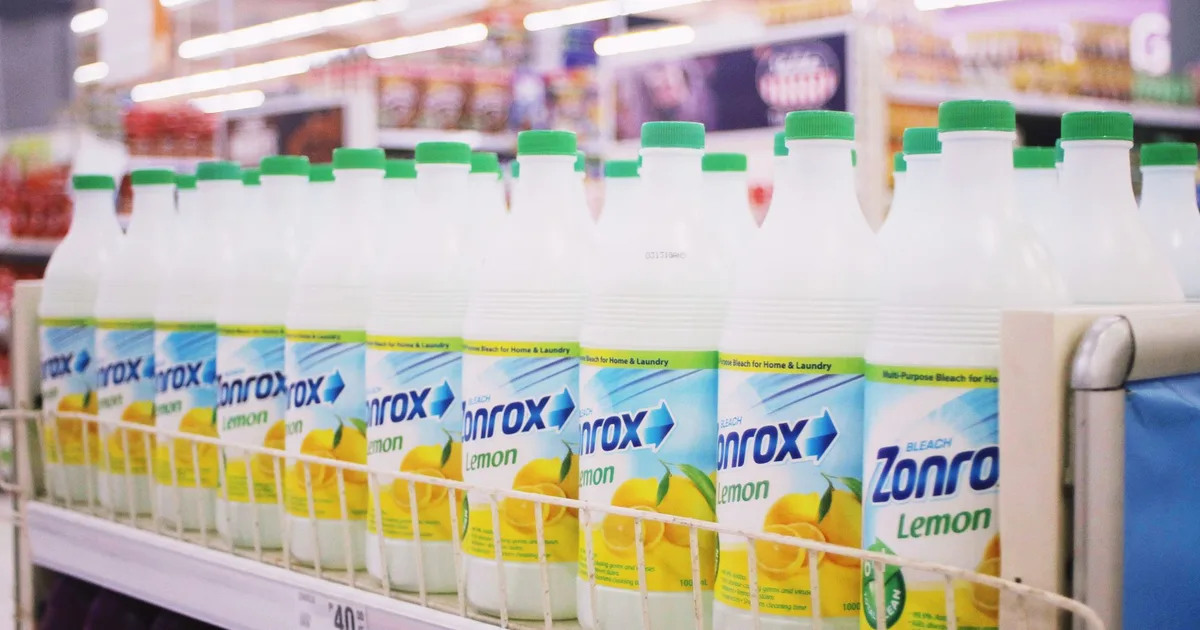
A product placed next to the wrong category is a navigation problem: shoppers look for it where it logically belongs, don't find it and assume it isn't stocked. New launches suffer most; see new product not selling on shelf. It happens when products are classified by internal categories instead of shopper needs, when space shortages push items into whatever gap exists, or when staff park products in convenient places. Fix it by placing products where shoppers expect them and building adjacencies around shopping missions.
How it happens
- Internal classification. A product sits with its supplier's other lines, not with what shoppers compare it to (for example, a protein snack bar placed with sports drinks instead of snack bars).
- Space shortage. No room in the right section, so it goes elsewhere.
- Staff convenience. Overflow parked near the backroom door.
- Old plan. The category moved, one product didn't.
Moving a product placed next to the wrong category
- Ask where shoppers look. Watch shoppers or ask staff which items people ask about.
- Classify by need. Group by what the product is used for and what shoppers compare it with.
- Make space properly. If the right section is full, trim its tail rather than exiling the newcomer; see how to update a planogram for new products.
- Use cross-merchandising deliberately. A second location next to a related category (crisps by dips) can help, but the home location stays in its own category.
- Check adjacencies across the aisle. Related categories next to each other help baskets grow; unrelated neighbours break the flow.
Good adjacencies
| Category | Natural neighbours |
|---|---|
| Pasta | Sauces, grated cheese |
| Coffee | Tea, sweeteners, creamers |
| Soft drinks | Mixers, water |
| Baby food | Nappies, baby care |
Put it where shoppers look first
A product placed next to the wrong category is invisible to the shoppers who want it. Classify by shopper need, make proper space in the right section and use second locations only as extras. Wikipedia's visual merchandising entry covers adjacency principles, and its category management article explains how categories are defined. If items end up in two places, see same product in two shelf locations.
FAQ
What is product adjacency in retail?
Which products and categories are placed next to each other, ideally following how shoppers shop.
Why does product placement by category matter?
Shoppers look for products where they logically belong; misplaced items look out of stock.
Can a product be in two categories?
It can have a second location as a deliberate cross-merchandising choice, but it needs one clear home location.
How do you decide where a product belongs?
By what shoppers use it for and what they compare it with, not only by supplier or internal classification.