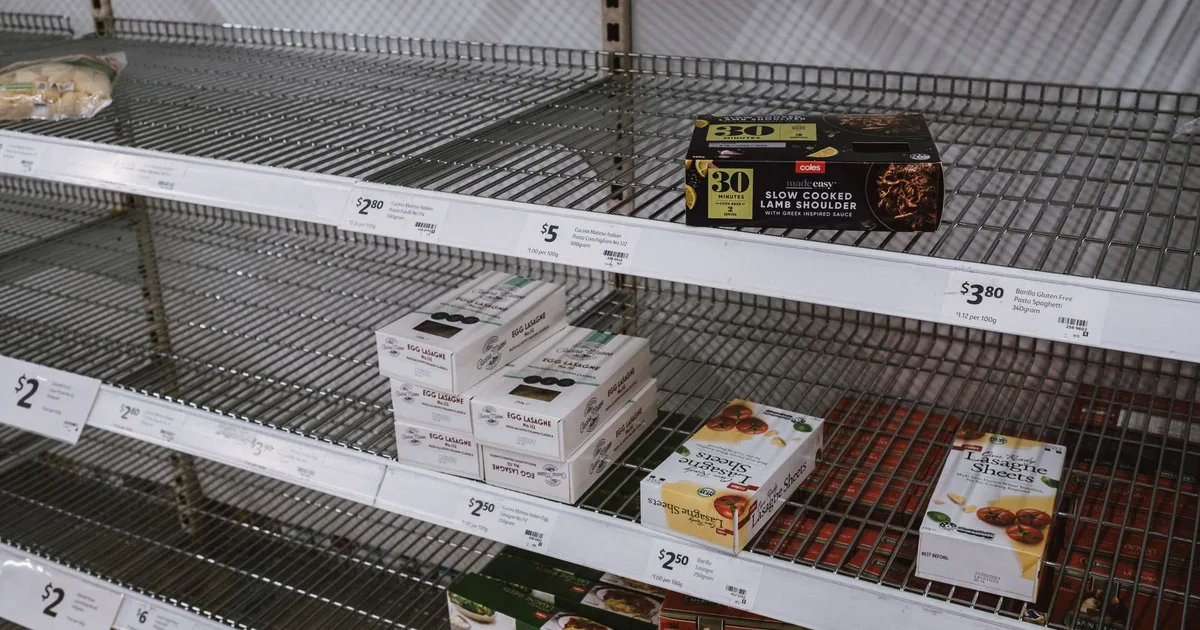
A vendor-supplied display fixture — a branded stand, a custom counter unit, a manufacturer-provided rack — arrives on reset day, and it's larger, a different shape, or needs more clearance than the space allocated for it in the plan. This is one of the more disruptive reset-day surprises, because unlike a shelf facing adjustment, a physical fixture usually can't be resized on the spot.
Why this mismatch happens
The display was designed generically, not for this specific store. Vendor displays are often built to one standard spec meant to work across many retail partners, without accounting for the specific footprint available at any single location.
The space was allocated before the display's final specs were confirmed. A planogram sometimes reserves space for a vendor display based on an early estimate or a previous version of the fixture, and the vendor's final production version ends up different from what was planned around.
Store-specific constraints weren't communicated to the vendor. A narrower aisle, a lower ceiling, or a different-than-typical floor layout at a specific location may not have been shared with whoever specified the display's dimensions.
Handling it on reset day without losing the plan entirely
Don't force a fit that compromises safety or aisle clearance. A display that blocks an aisle or creates a hazard isn't worth installing as-is, even under deadline pressure — document the issue and escalate rather than force it into place.
Check for a smaller or alternate version of the display before rejecting it outright. Some vendors offer multiple display sizes for exactly this situation — a quick check with the vendor contact can resolve the mismatch faster than reworking the whole plan.
Fall back to a standard shelf placement as a temporary measure. If the display genuinely can't fit, placing the product on the regular shelf — even without the full display treatment — usually beats leaving it off the floor entirely while the fixture issue gets resolved.
Feed the mismatch back before the next rollout of the same display, not just for this one store. A display that doesn't fit one location may not fit several others in the chain either, and that's worth flagging to whoever is managing the vendor relationship.
Preventing it for future rollouts
- Confirm final display dimensions before allocating space on the planogram, not from an early concept or previous version.
- Share store-specific constraints (aisle width, ceiling height, unusual layout) with the vendor before the display ships, especially for stores outside the "typical" format the vendor may have designed around.
- Pilot a new vendor display format in a small number of stores before a full rollout, the same way a fixture conversion benefits from a pilot batch.
Worth checking next: remodel reset, which covers a closely related part of the same decision. This is closely tied to reset crew missing tools, and the two often need to be solved at the same time. If this is a recurring issue in your stores, promotional display not built as agreed covers a closely related angle worth checking.
FAQ
Should a reset crew ever modify a vendor-supplied display to make it fit?
Generally no, without vendor approval — unauthorized modification can violate the display's intended function, void any safety certification it carries, or damage branded fixtures the vendor expects back or reused elsewhere.
What's the fastest fallback if a vendor display can't be used at all?
Placing the product on standard shelving, even without the special display treatment, is usually better than leaving it off the floor entirely while the fixture issue is resolved through the vendor.
How common is this kind of mismatch?
It varies by vendor and category, but it's a frequently cited friction point in trade-marketing and reset execution discussions, especially for newly launched display formats that haven't yet been tested against the full range of real store layouts.