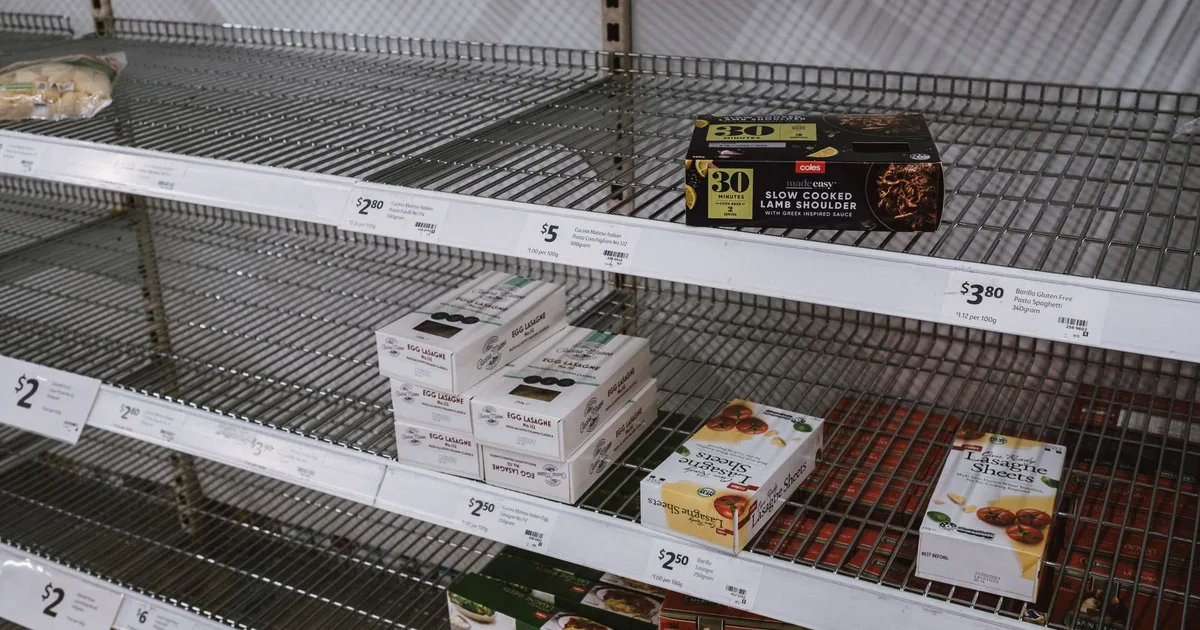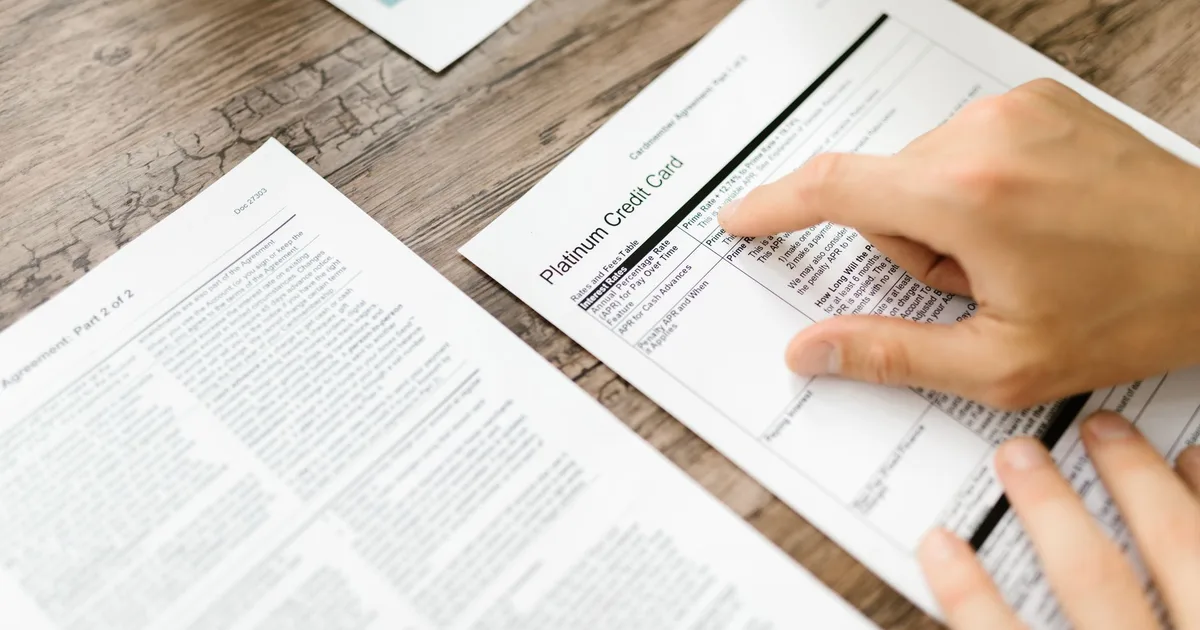
A wrong planogram version in store happens when staff build from an old printout, a version meant for a different store size, a draft sent by mistake, or a supplier's copy that was never approved. The shelf may look tidy and well stocked, yet still be wrong, which is why audits must check the version, not just the layout.
How a wrong planogram version in store gets there
- Old printouts in the store. A drawer or folder full of previous plans.
- All cluster versions sent. Stores picked the wrong one.
- Drafts circulated. A pre-approval version reached stores by email.
- Supplier copies. A rep brought their own plan.
- Late changes. Two versions released within days.
Five safeguards that keep the right plan on the shelf
1. Identify what was built
Compare the shelf with recent versions to see which one it matches. Version numbers on shelf labels or headers make this quick.
2. Send only the right version
Each store receives the version for its cluster only, with the store name on the file. If some stores never receive the file at all, see planogram updates not reaching all stores. See how to share planograms with stores.
3. Retire old printouts
With every release, tell stores which version it replaces and ask them to discard the old pages. Keep the archive centrally.
4. Stop drafts leaking
Drafts carry "DRAFT, NOT FOR STORES" on every page; only approved versions go to store channels.
5. Check the version during audits
Auditors record the version number on the store's plan and compare the shelf to the version the store should have.
Version discipline upstream
Most wrong-version problems start in planning. Naming conventions, one master per plan and dated releases, described in planogram version control, prevent most of them.
One store, one current version
A wrong planogram version in store is avoidable: send only the right version, retire the old one, keep drafts out of stores and check versions in audits. The shelf will then match the plan you actually approved. Wikipedia's planogram entry and its category management article explain why plans change so often.
FAQ
How do you know which planogram version a store is using?
Check the version and date on the store's plan pages, and compare the shelf with recent versions.
Why do stores use old planograms?
Old printouts remain in the store, or stores receive several versions without clear instructions about which applies.
Should planogram drafts be sent to stores?
No. Only approved, dated versions should go to stores.
How can audits detect the wrong planogram version?
By recording the version on the store's plan and comparing the shelf with the version the store should be using.