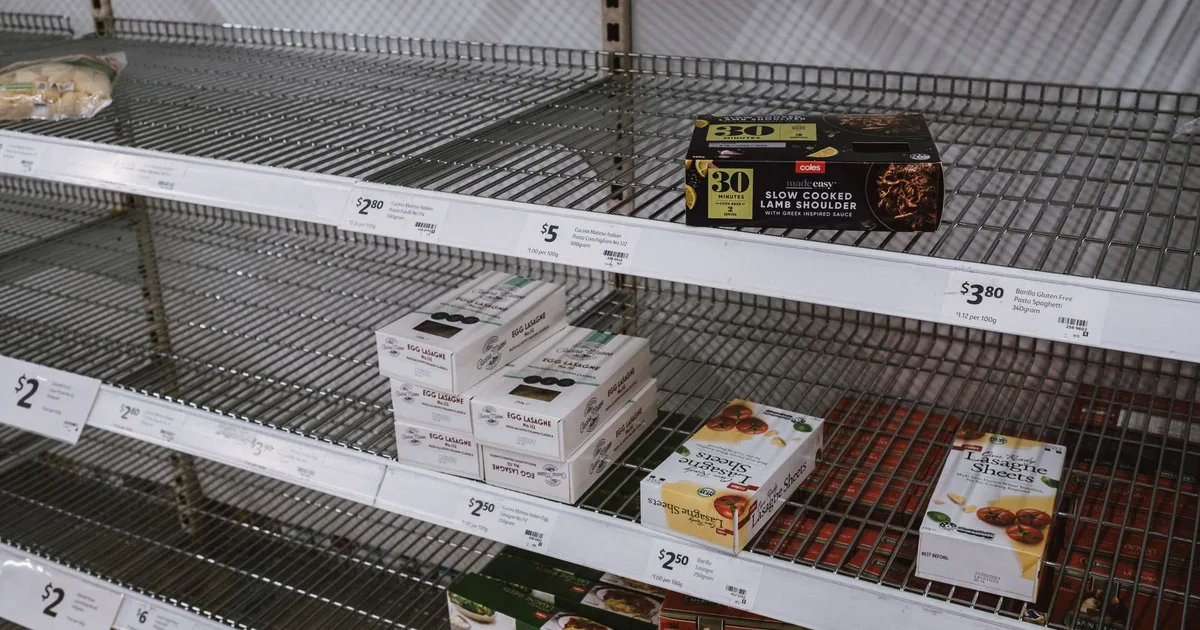
When a planogram changes too often, stores stop keeping up: each new version arrives before the last one was built, staff learn that plans are temporary, and compliance falls. The usual sources of churn are scattered launch dates, promotions handled inside the core plan, small corrections issued one at a time and unclear ownership of changes. The fix is a reset calendar, change windows and batching.
Some change is healthy; a planogram is meant to evolve with the range. Constant change is a sign that planning, not the shelf, is unstable.
Signs of too much change
- Stores receive several versions of the same category within weeks.
- Reset hours exceed what store rotas allow.
- Audits find a mix of old and new layouts.
- Staff say "it'll change again anyway".
Where the churn comes from
- Launches spread across the year, each triggering a new version.
- Promotions built into the main shelf, so every campaign means a change.
- One-off fixes, each released separately.
- Several owners (category team, supplier, operations) editing the same plan.
Many of these are classic planogram errors category managers make.
Calming things down when a planogram changes too often
1. Set a reset calendar
Fix one or two main resets per category per year, plus scheduled windows (for example monthly) for minor changes.
2. Batch launches
Ask suppliers to align launches with change windows. A launch that misses the window waits or goes on a secondary display.
3. Move promotions off the core shelf
Use end caps and secondary displays for campaigns so the in-aisle plan stays stable.
4. Bundle small fixes
Collect corrections and release them together in the next window, unless they are urgent (safety, legal, major fit problems).
5. One owner per plan
A single owner approves every version; others request changes. See planogram version control.
Measure the load on stores
Track versions per category per quarter and estimated reset hours per store per month. If hours exceed what is available, something must wait. That number turns a vague complaint into a planning constraint.
Fewer, better-planned changes
When a planogram changes too often, the shelf is paying for planning instability. Fix the calendar, batch launches and fixes, keep promotions off the core shelf and give each plan one owner, and stores will have time to build what you send. Wikipedia's category management article describes the review cycles behind these changes.
FAQ
How often should a planogram change?
Major resets once or twice a year per category, with scheduled windows for minor changes.
Why do frequent planogram changes hurt compliance?
Stores cannot finish one version before the next arrives, and staff stop treating plans as fixed.
How do you handle new product launches between resets?
Batch them into the next change window or place them on a secondary display until then.
What is a change freeze?
A period, often before peak trading, when no planogram changes are released except urgent ones.