Shelf sequencing is the order categories and sub-categories appear as a shopper moves down an aisle. Get it wrong and a perfectly well-stocked, well-faced shelf still feels hard to shop — because the products are arranged in an order that makes sense to a supplier's catalog, not to how a person actually decides what to buy.
The two ways sequencing usually gets decided — and why one of them is wrong
Sequencing tends to come from one of two places:
- The supplier or distributor catalog. Products get grouped the way they're ordered or invoiced — by brand, by pack type, by supplier — because that data is already organized that way.
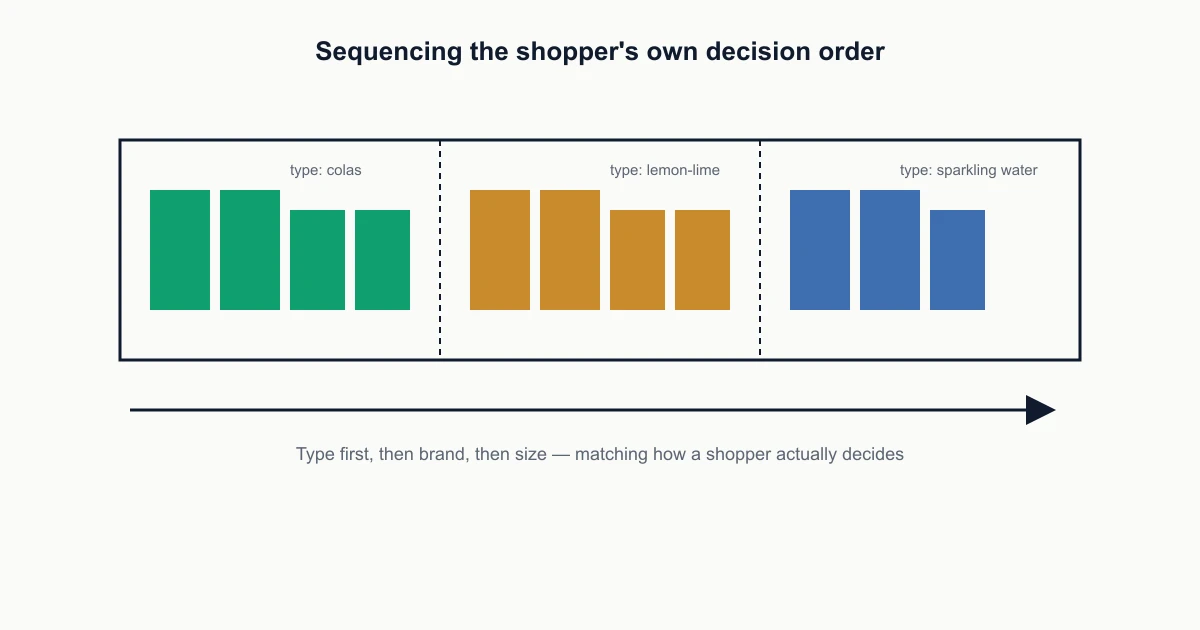
- The shopper's decision tree. Products get grouped the way a shopper actually thinks through the category — "what type, then what brand, then what size" — because that's the order their eyes and hands move in.
The first is easier to build a planogram from. The second is what actually sells. A shelf sequenced by supplier logic forces the shopper to hunt back and forth across the fixture to compare the options they'd naturally want to compare side by side.
What a shopper-path sequence actually looks like
A well-sequenced category typically follows a consistent hierarchy, most often: segment or type → brand → size/variant. A drinks aisle sequenced this way groups all the colas together before moving to all the lemon-lime sodas, rather than grouping everything by brand first and scattering flavor variants across the whole fixture.
The exact hierarchy depends on the category — sometimes brand matters more than type, sometimes price tier matters more than either — but the test is the same: does the sequence match the first, second, and third question a shopper actually asks themselves standing in front of the shelf?
Where sequencing breaks down in practice
- New SKUs get dropped into whatever gap is open, not the segment they belong in, because that's faster during a reset.
- A category grows unevenly, and the segment that expanded fastest ends up overflowing into neighboring segments instead of getting its own clean block.
- Multiple fixtures split a category (main aisle plus a secondary display), and the two don't follow the same internal order, so a shopper who's learned the aisle gets confused at the second location.
Fixing it without a full category rebuild
You don't need to redesign the whole aisle to fix sequencing — you need to check it against the shopper's actual questions:
- Map the category's real decision tree before you decide shelf order, not after.
- Keep the same hierarchy consistent across every store format and every secondary location for that category.
- When a new SKU launches, place it by segment first, not by "wherever there's space."
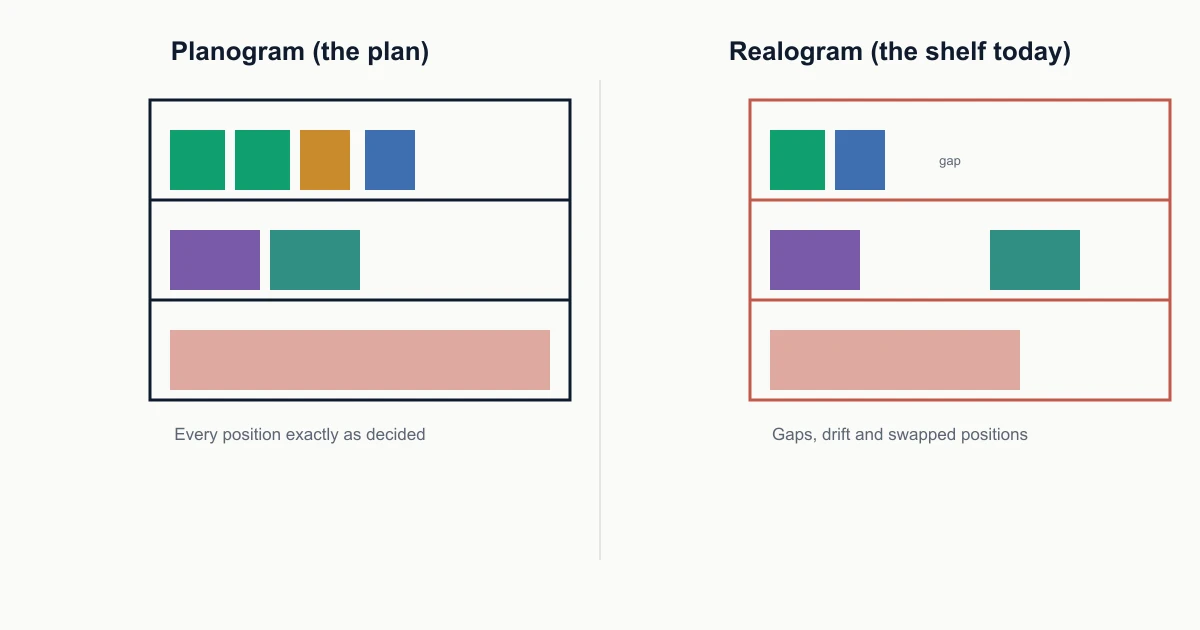
This is closely tied to planogram compliance execution problem, and the two often need to be solved at the same time. If this is a recurring issue in your stores, converting a planogram covers a closely related angle worth checking. See dollar store planogram for a related breakdown that often comes up alongside this.
FAQ
What's the difference between shelf sequencing and brand blocking?
Brand blocking is one possible sequencing choice — grouping by brand. Shelf sequencing is the broader decision of what hierarchy to use at all; brand blocking is only the right answer when brand is genuinely the shopper's first decision.
How do you figure out a category's real decision tree?
The most reliable way is basket and search data — what shoppers compare or substitute within a category — combined with simply watching or interviewing shoppers at the fixture. Absent that, category management research for similar categories is a reasonable starting point.
Does sequencing matter as much in small-format stores?
It matters more, if anything — a smaller fixture gives you less room to bury a bad sequence behind sheer selection. In a convenience-format aisle, a shopper who can't find what they want in a few seconds often just leaves without it.