Planogram software ranges from simple drag-and-drop shelf builders to heavyweight enterprise space-planning suites, and the right choice depends far more on your fixture complexity, team size and how often you reset than on which tool has the longest feature list. Knowing what to look for in planogram software before you commit saves the much more expensive mistake of outgrowing a tool, or paying for capability you never use.
Start with how complex your fixtures actually are
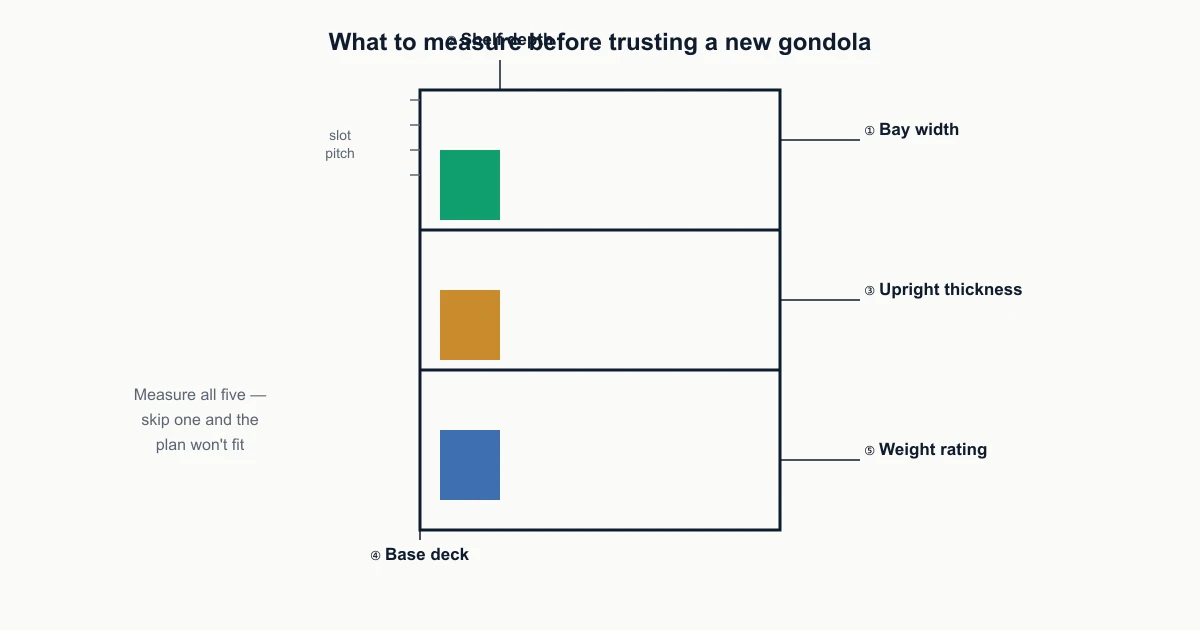
A single store format with standard gondola shelving has very different software needs than a business managing coolers, hangers, pegboards and multiple store formats across hundreds of locations. Before comparing tools, it's worth honestly cataloguing the fixture types you actually plan — software built primarily for standard shelf gondolas may handle coolers or hanging displays poorly, even if it markets itself as general-purpose.
To-scale accuracy matters more than visual polish
A planogram that looks clean on screen but isn't built to accurate real-world dimensions causes exactly the fit problems — products too deep, too tall, or facings that don't actually sum to the fixture's real width — that cost time and credibility once it reaches a store. Scale accuracy and fit-checking (flagging when a plan doesn't physically fit the fixture) should rank above cosmetic presentation features in almost any evaluation.
A practical checklist worth working through
- Does it handle your actual fixture types, not just standard shelving — coolers, pegboards, hangers and end-caps all have different planning needs that not every tool supports equally well.
- Can it export in a format your stores or reset crews can actually use — a beautifully detailed plan that only exists as a proprietary file no one in the field can open isn't useful on the shop floor.
- Does it support the store-count and update frequency you actually have — a tool built for occasional single-store plans may not scale well to frequent multi-store rollouts, and the reverse is also true: enterprise tools can be needless overhead for a small operation.
- What's the real learning curve for whoever will use it day to day — the most capable tool is only valuable if the people who need to build and update plans can actually use it without a long ramp-up.
This connects to briefing a reset crew — the two are usually worth planning together. Worth checking next: dollar store planogram, which covers a closely related part of the same decision. This is closely tied to localizing planograms by store demographics, and the two often need to be solved at the same time.
FAQ
Do I need enterprise planogram software if I only manage a handful of stores?
Not necessarily — many small and mid-sized operations are well served by simpler, more accessible tools, and the added complexity of an enterprise suite can slow down a small team more than it helps.
How important is integration with inventory or POS systems?
It depends on how much you want planogram decisions to be driven directly by sales data. It's a genuine time-saver at scale, but not a requirement for every business, especially smaller operations making decisions from more manual sales review.
Should I prioritize ease of use or depth of features?
For most teams, ease of use wins — a powerful tool that sits unused because it's too complex for the team delivers less value than a simpler tool that actually gets used consistently for every reset.